
DROWSE Coworker Documents: Office Task and Item Guide
Explore DROWSE coworker documents, the late-night copying task, office exploration tips, and version 1.02 changes to help you navigate Andrew's nightmare.
Jump to
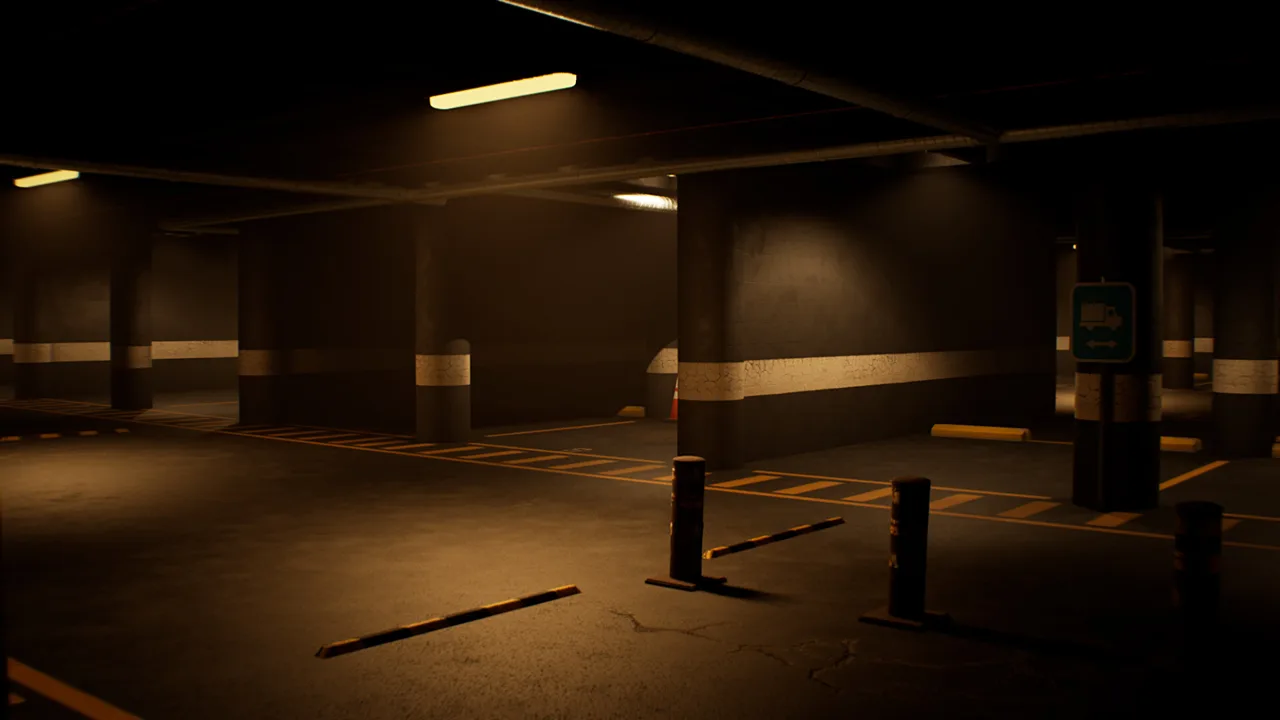
What the Coworker Documents Are For
The DROWSE coworker documents give Andrew a simple reason to return to an office that soon becomes deeply unsettling. They matter because picking them up and making photocopies is the favor that brings him back to work after hours. Keep the DROWSE coworker documents in mind as your starting objective while you explore, examine objects, and follow the evening’s increasingly strange turns.
Andrew receives a call from a coworker who needs help with some paperwork. His assignment sounds ordinary: collect her documents, copy them, and head home. That small errand sets the stage for a first-person psychological horror story set in the 1990s, where familiar surroundings gradually give way to disturbing memories.
The office routine includes turning on a computer, making coffee, and finding paper for the copier. These everyday actions establish the setting while exploration and environmental puzzles become part of the experience.
| Office task or activity | Its place in the evening |
|---|---|
| Pick up the coworker’s documents | The favor that brings Andrew back to the office |
| Make photocopies | The practical purpose of collecting the documents |
| Find paper for the copier | An office activity described as part of the routine |
| Turn on the computer | Another ordinary interaction in the office |
| Make coffee | Part of the familiar workplace setting |
Keep the copying assignment separate from the broader mystery. The coworker’s paperwork explains why Andrew is there, while other documents, photographs, belongings, and recordings help reveal his personal history.
That distinction makes the item-focused side of DROWSE easier to follow. You are handling a work errand, but you are also exploring the life of someone struggling with grief and loneliness.
Approach the Office Through Its Interactions
When working through the DROWSE coworker documents task, pay attention to the office’s interactive objects. DROWSE supports searching drawers, examining belongings, reading notes, and using discovered items to open the way forward. Those mechanics give you concrete ways to investigate instead of simply walking through each room.
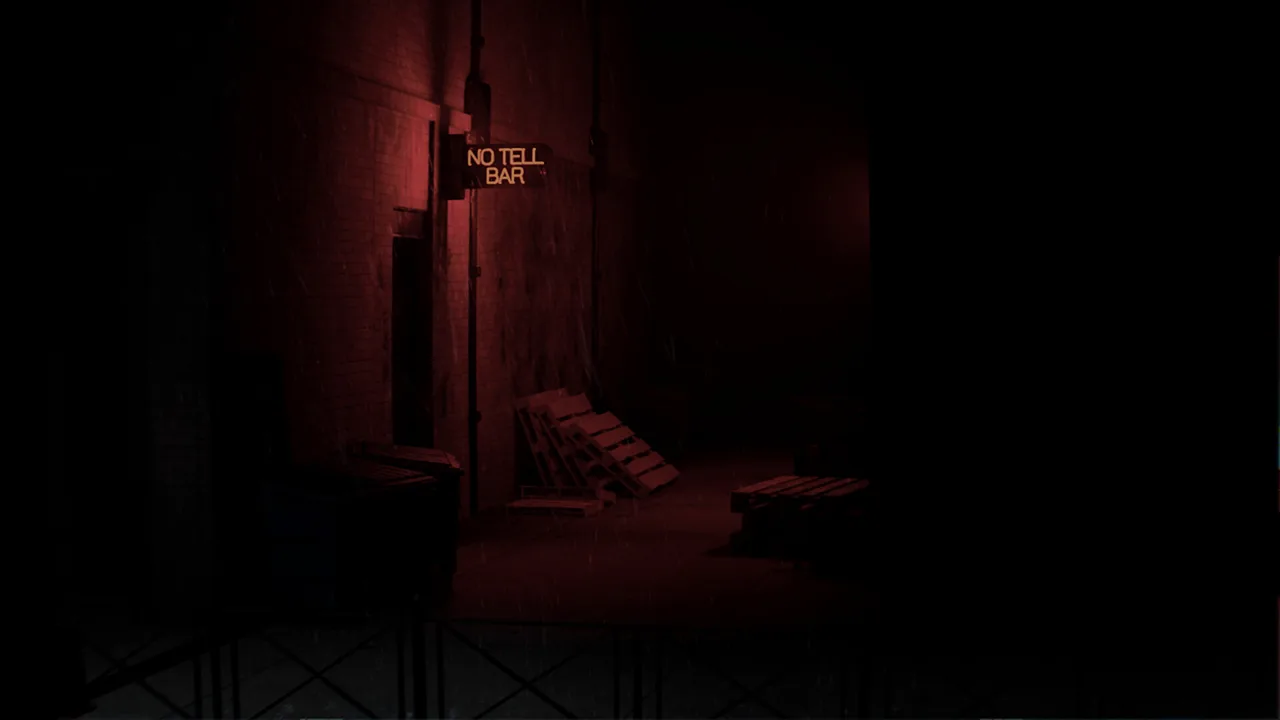 Image: Steam / MILKY COCO GAMES
Search deliberately. Examine the objects around you, read the text you encounter, and listen when the game presents a recorded message. Work through a room’s details before moving your attention to the next puzzle.
Keep the copying errand in focus
Use the coworker’s request to orient yourself: documents and photocopies are the reason for the visit. When the office becomes distracting, return your attention to the instruction currently presented by the game.
Finding copier paper is also part of the office routine. Treat paper as a practical supply to look for while exploring. Keep its purpose distinct from the documents Andrew has been asked to collect.
Avoid building a solution around the appearance of an object alone. A sheet of paper, a personal note, and a photograph can all draw your attention, but the game’s text and interactions give them context. Read and inspect before deciding how an object relates to the task.
Search drawers and examine belongings
Opening drawers is part of DROWSE’s exploration system. Use that interaction while investigating the office, and examine discovered objects rather than treating the search itself as the whole task.
Look closely at personal belongings as well. Andrew’s story unfolds through everyday objects and traces of his life, so a quiet room can contain more than an obvious puzzle component.
Try these habits as you explore:
- Open drawers where the game allows you to interact.
- Read notes before moving on to another object.
- Examine photographs and personal belongings for story context.
- Listen to recorded messages alongside written clues.
- Connect discovered clues to the puzzle you are currently considering.
These habits follow the game’s hands-on design. They also keep your attention on information the environment actually provides.
Read office messages carefully
Version 1.02 improved the clarity of the message displayed during the office TV video. If you are playing that version, read the message closely when it appears.
Keep the TV message in your mental picture of the office alongside notes, objects, and recordings. DROWSE communicates through several formats, so focusing exclusively on loose papers can narrow your attention too much.
Separate Work Documents From Story Clues
The DROWSE coworker documents belong to the late-night copying assignment. Documents elsewhere in the game also help tell Andrew’s story, alongside photographs, personal belongings, and recorded messages.
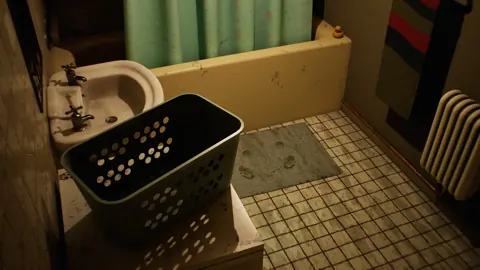
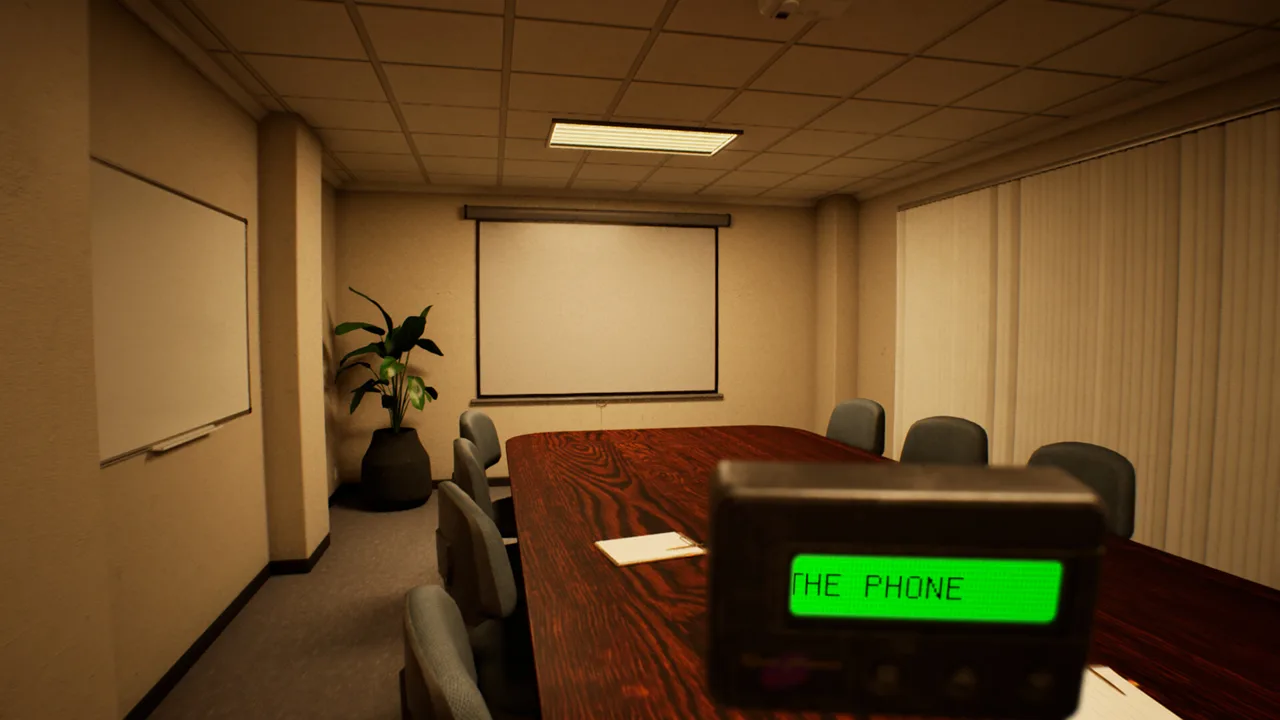 Image: Steam / MILKY COCO GAMES
Andrew is grieving the loss of his dog, Oxmo. His work routine fills his days, while his apartment feels empty. As the evening develops, the bond between Andrew and Oxmo remains central to the experience.
That background gives the objects you examine an emotional context. A document can be part of an ordinary office task, while a photograph or a message can reveal something personal. Pay attention to what each object communicates before grouping everything under “paperwork.”
| Object or information type | Role in DROWSE | What to pay attention to |
|---|---|---|
| Coworker documents | The paperwork Andrew returns to collect and copy | The coworker’s request |
| Copier paper | A supply Andrew needs to find during the office routine | Its connection to the copying task |
| Notes and documents | Written material involved in exploration and storytelling | Wording and context |
| Photographs | Fragments of Andrew’s personal life | The people, belongings, and memories represented |
| Recorded messages | Information delivered through audio | Spoken details alongside written clues |
Use the wording of a note to guide your thinking about a code or puzzle. DROWSE includes finding clues and working out codes, so reading carefully is part of the puzzle-solving process.
Avoid guessing a code from an unrelated detail merely because it contains a number. Connect the clue to the situation you are investigating. Let the surrounding objects and messages inform your interpretation.
The DROWSE coworker documents also give the story an effective starting point: Andrew arrives with a mundane responsibility. As familiar places change and memories intrude, the distance between that modest errand and his personal nightmare becomes increasingly apparent.
Keep reading even when the environment feels uncomfortable. The game’s story is uncovered through objects, written material, recorded messages, and encounters. Following those details helps you understand Andrew’s experience as well as the practical tasks around him.
Version 1.01 and 1.02 Changes That Matter
DROWSE launched on Windows through Steam on October 8, 2026. Its early updates addressed both progression problems and interactions that were difficult to understand or perform.
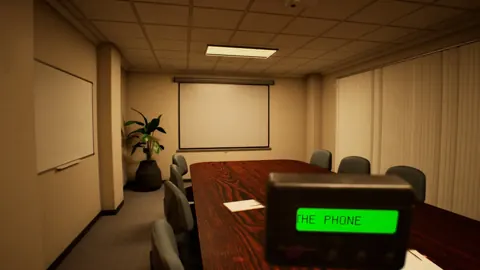
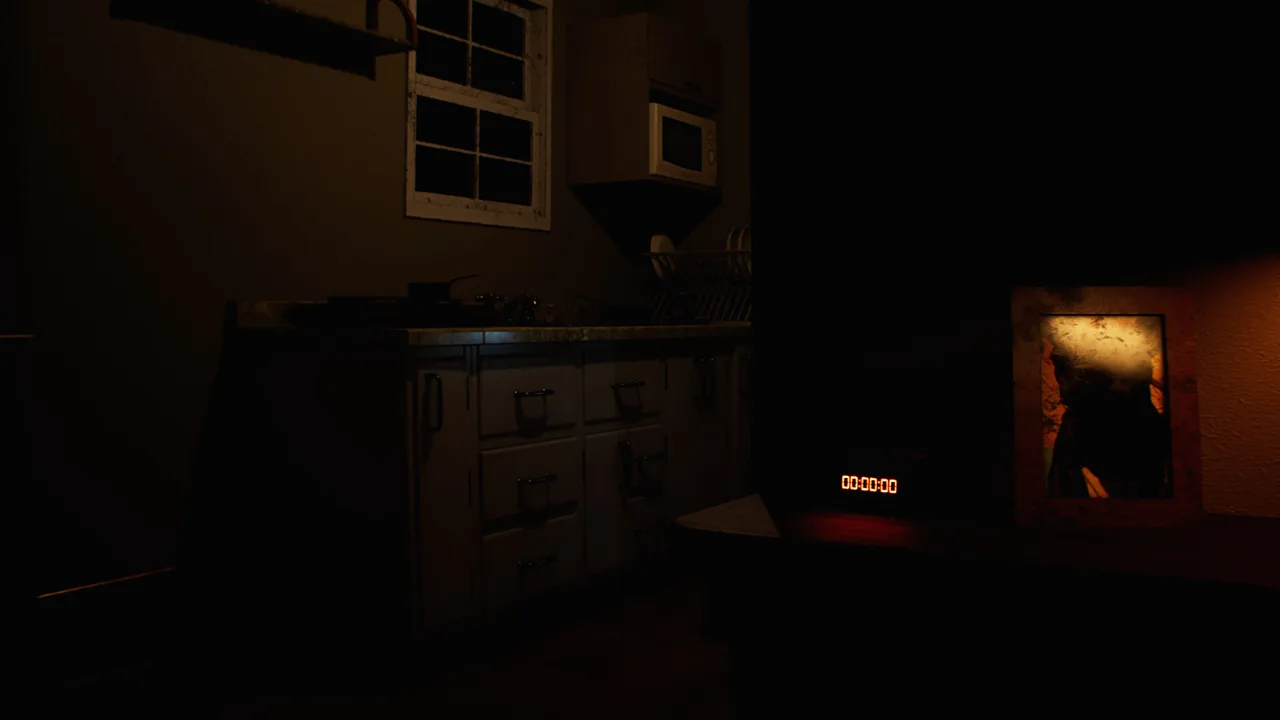 Image: Steam / MILKY COCO GAMES
For a DROWSE coworker documents search, the most relevant changes concern the apartment phone call and the office TV message. The phone-call fix addresses an issue that could prevent progression in the apartment after the call, while the TV change improves the clarity of information presented inside the office.
| Version | Relevant change | Practical significance |
|---|---|---|
| 1.01 | Fixed an apartment softlock after the phone call | Addressed an issue that could prevent progression in the apartment |
| 1.01 | Added a missing name to an audio tape | Restored a missing identifying detail |
| 1.01 | Fixed continuously looping item-storage audio | Corrected an audio problem during item handling |
| 1.02 | Clarified the message during the office TV video | Made that office message easier to understand |
| 1.02 | Made the beeper inside a drawer easier to interact with | Improved access to that object |
Update the game before starting a new troubleshooting pass. Version 1.01 specifically repaired the apartment issue after the call, so that problem has a documented fix.
If you encounter looping audio while putting items away, keep the same update in mind. It addressed that separate issue too. Distinguish an audio fault from difficulty interpreting an objective when deciding what needs attention.
Version 1.02’s beeper change concerns interaction with the object inside a drawer. Read that as an interaction improvement, while the office TV adjustment concerns message clarity. The two fixes solve different kinds of friction.
The animal hospital received its own changes in 1.02, including clearer information and easier access upstairs. Those updates include a beeper message about the medical key and the operating room upstairs. Keep your attention on the office task while you are handling the coworker’s favor.
When reporting a persistent problem, describe the location, the action you attempted, and the message visible at the time. MILKY COCO GAMES accepts technical issues at contact@milkycocogames.com. Specific details give the developer a clearer account of what happened.
A Practical Checklist for the Copying Task
Keep the DROWSE coworker documents objective manageable by separating the requested errand from your investigation of the office. Collecting paperwork and making copies gives you a clear purpose, while searching and examining objects helps you respond to the puzzles and story around it.
Use the checklist below to organize your attention. Follow the game’s current instructions when deciding which action to take.
| Focus | Action to take |
|---|---|
| Coworker’s favor | Keep collecting documents and making copies in mind |
| Copier supplies | Look for paper as part of the office routine |
| Searchable furniture | Open drawers and inspect the objects you discover |
| Written information | Read notes and on-screen messages carefully |
| Audio information | Listen to recorded messages for additional context |
| Technical problems | Check the relevant 1.01 and 1.02 fixes |
Slow down when the atmosphere starts pulling your attention away from the task. A ringing phone, an unexpected sound, or a changed-looking room is part of the unsettling experience. Return to inspecting objects and reading messages when you need something concrete to investigate.
Use the game’s accessibility options if text or audio is making that investigation harder. DROWSE includes adjustable text size, subtitle options, custom volume controls, and camera comfort features. Adjust those settings around what helps you read, listen, and explore comfortably.
For the DROWSE coworker documents, keep the central request simple: Andrew has come back to collect paperwork and make photocopies. Read the surrounding clues with equal care, because the office also introduces the larger story of his loss.
If you are preparing to play, you can get DROWSE on Steam. Bring your attention to the small details—the drawers, messages, and belongings are part of how this ordinary favor becomes something much more personal.
FAQ
What are the DROWSE coworker documents used for?
They are the paperwork Andrew returns to the office to collect and photocopy for a coworker. Her late-night request provides the starting reason for his visit.
Does Andrew need to find paper for the copier?
Yes. Finding paper for the copier is one of the office activities in DROWSE, alongside turning on the computer and making coffee. Look for that supply while exploring the workplace.
Which update fixed getting stuck after the apartment phone call?
Version 1.01 fixed an issue that could prevent Andrew from progressing in the apartment after the phone call. Update the game if you are encountering that problem.
What changed in the office in version 1.02?
Version 1.02 improved the clarity of the message displayed during the office TV video. It also made the beeper inside a drawer easier to interact with.
Continue with
 DROWSE Item Use Guide: Beeper, Pills, and Puzzle TipsMaster DROWSE item use with tips for the beeper, pills, office objects, and animal hospital clues. See what updates 1.01 and 1.02 changed before you play.
More in Items
See all Items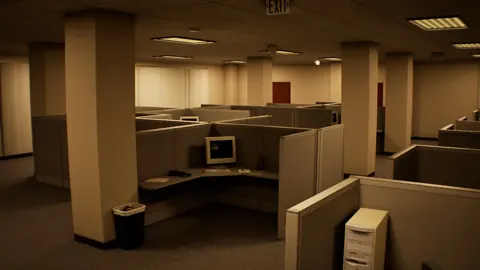
Popular pages
DROWSE Beginner Guide: Puzzle Tips for Your First Run
Use this DROWSE beginner guide to explore the office, solve environmental puzzles, understand patch fixes, and prepare for Andrew's unsettling night ahead.
DROWSE Release Date: Launch, PC Specs, and Updates
DROWSE release date was October 8, 2026. Explore its Windows PC launch, system requirements, early patches, and limited-time rewards before you start.

DROWSE Editions: Steam Release, Features, and Extras
Explore DROWSE editions, Steam launch details, PC requirements, accessibility features, updates, and the limited Rizmo skin before starting Andrew's story.
DROWSE Crossplay: Single-Player and Platform Details
DROWSE crossplay explained: explore its single-player format, Windows PC requirements, controller support, and Steam features before starting the story.
Join the community
Official channels for news, updates and player help: