
DROWSE Item Use Guide: Beeper, Pills, and Puzzle Tips
Master DROWSE item use with tips for the beeper, pills, office objects, and animal hospital clues. See what updates 1.01 and 1.02 changed before you play.
Jump to

How DROWSE Item Use Connects Objects and Clues
A drawer, a forgotten note, or a beeper message deserves your attention when an ordinary office starts slipping into a nightmare. DROWSE item use matters because examining objects, finding clues, and using discovered items all help you open the way forward. This DROWSE item use guide covers the office tasks, beeper, pills, and animal hospital messages, including the interaction changes in updates 1.01 and 1.02.
You play as Andrew, whose late-night errand begins with collecting a coworker’s documents and making photocopies. His grief over losing his dog, Oxmo, sits at the center of the story. Everyday belongings carry pieces of that history alongside the environmental puzzles.
Give each discovery enough attention to understand its role. A document can provide information, an object can support a task, and a photograph can reveal something about Andrew’s life.
| Object or clue | Role in DROWSE | What to focus on |
|---|---|---|
| Office documents | Part of the coworker’s photocopying errand | The task Andrew returned to complete |
| Copier paper | Something to find during the office routine | The copier-related objective |
| Notes | Written clues and story details | Wording relevant to puzzles or codes |
| Recorded messages | Information and fragments of the story | Names, instructions, and context |
| Photographs and personal belongings | Details about Andrew’s life | Connections to Andrew and Oxmo |
| Beeper | Delivers messages, including hospital guidance | Messages relevant to your current objective |
For DROWSE item use, keep the immediate task and the surrounding clues connected. Read a note before moving on, listen to a recording, and inspect belongings instead of rushing past them.
Official page: DROWSE (store.steampowered.com)
Office Objects: Follow the Errand and Examine the Room
The office gives you a concrete starting point: collect documents, make copies, and head home. Other everyday interactions include turning on the computer, making coffee, and finding paper for the copier.

Keep that errand in mind while exploring. It gives you something specific to investigate as the building becomes harder to understand. Search drawers and examine nearby objects with the current task in view.
Separate task materials from information
Documents and paper belong to the office routine, while notes, photographs, and recorded messages also develop the mystery. Give both kinds of discovery attention.
Use this checklist while searching:
- Look through drawers for objects and information.
- Read notes closely before trying to solve a code.
- Listen to recorded messages for instructions and personal details.
- Examine photographs and belongings for their connection to Andrew.
- Return your attention to the current task after investigating a disturbance.
DROWSE item use sits alongside reading and listening. When a puzzle asks you to piece information together, review the clues you have encountered before guessing.
The atmosphere also matters. Phones ring, unexpected sounds interrupt the silence, and familiar surroundings change. Compare what you see with what you remember, especially when a room feels different on a return visit.
Read the office TV message carefully
Update 1.02 improved the clarity of the message displayed during the office TV video. Pay attention to that text while the sequence plays; it belongs among the messages worth reading during your office exploration.
Keep written and spoken information in view alongside physical objects. The game’s environmental puzzles use clues and codes, so an overlooked message deserves another look before you spend more time searching furniture.
Beeper Use: Read Messages and Check Drawer Access
The beeper deserves close attention because its messages provide guidance. Update 1.02 added a message about the medical key and the upstairs operating room in the animal hospital.
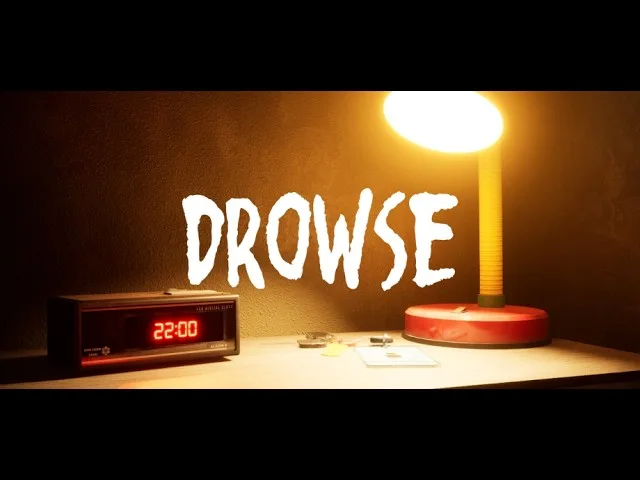
Read that message when working through the hospital objective. Use its wording to guide your investigation of the key and operating room rather than guessing their relationship from their names alone.
The same update made the beeper inside the drawer easier to interact with. That change addresses handling the object itself, while the added hospital message addresses information.
| Beeper-related detail | Version or event | What changed |
|---|---|---|
| Beeper inside a drawer | Update 1.02 | Interaction became easier |
| Medical key and upstairs operating room | Update 1.02 | A beeper message was added with information about them |
| Rizmo beeper skin | October 10–17, 2026 collaboration | An exclusive skin is available through an in-game promo code |
When working through DROWSE item use in the animal hospital, read the relevant beeper message before continuing your search. Keep the named location in mind: the operating room is upstairs.
Update 1.02 also moved a hospital barrier to make the upstairs area easier to access. The message and the access adjustment address different parts of navigating that location, so pay attention to both the instruction and your surroundings.
Rizmo beeper skin code
The limited Rizmo beeper skin is available through an in-game promo code during the October 10–17, 2026 collaboration period.
Enter the code exactly as written:
LC-RIZMO-LIMITED
Redeem it during the event window to unlock the skin. The reward is a beeper appearance, so keep the promotion separate from the messages guiding your hospital objective.
If you are focused on progressing through the story, give the medical-key message priority during your hospital exploration. Handle the cosmetic redemption within its stated availability window.
Pills and the Medicine Cabinet: Understand the Patch Changes
Pills appear in the animal hospital, and the medicine cabinet interaction changed across the early updates. Those changes are especially relevant if you are struggling to reach the object.
 Image: Steam / MILKY COCO GAMES
Update 1.01 stopped pills from being taken through the medical cabinet. Update 1.02 then made pills inside the medicine cabinet easier to interact with and improved the clarity of the hospital message concerning them.
Approach the cabinet through its normal interaction and inspect the pills from there. Avoid trying to collect them through the cabinet’s exterior.
| Pills-related change | Update | Practical relevance |
|---|---|---|
| Collection through the medical cabinet was removed | 1.01 | Interacting through the cabinet is no longer the pickup route |
| Pills inside the medicine cabinet became easier to interact with | 1.02 | The object interaction was adjusted |
| Hospital message about pills became clearer | 1.02 | Read the message for objective guidance |
| Music after taking pills fades correctly when reloading a save | 1.02 | A reload-related audio issue was fixed |
DROWSE item use around the pills involves both the physical interaction and the accompanying message. Read the hospital instruction, then give the cabinet interaction your attention. Repeating the same attempt through the cabinet does not address the change introduced in 1.01.
Keep audio fixes separate from item interactions
Update 1.02 corrected music fading after taking pills when a save is reloaded. It also corrected the music fade during Dr. Harris’ dialogue after completing the objective.
These fixes concern audio behavior. The cabinet adjustment concerns reaching the pills, and the clearer message concerns understanding the task.
Keep that distinction in mind when troubleshooting. If your problem is interacting with the object, concentrate on the cabinet and the 1.02 interaction change. If your problem is understanding what to do, reread the hospital message.
The earlier update also fixed continuously looping audio associated with putting items away. An audio problem and a puzzle question call for different responses; identify which one you are dealing with before repeating an action.
Troubleshooting Item Interactions and Hospital Progress
When DROWSE item use becomes frustrating, identify the obstacle before retracing every room. Trouble reaching an object, confusion about a message, and being stuck after a story event are different problems.
The early updates addressed specific examples of each. Check that your installation includes update 1.02 so you have the interaction and message improvements described here.
| Situation | Relevant change | What to check |
|---|---|---|
| Stuck in the apartment after the phone call | 1.01 fixed a progression-blocking issue | Whether the game includes the apartment fix |
| Difficulty interacting with the drawer beeper | 1.02 made interaction easier | Your installed version and the drawer interaction |
| Difficulty reaching pills in the cabinet | 1.01 removed through-cabinet collection; 1.02 improved interaction | Access through the cabinet’s normal interaction |
| Confusion about the medical key or operating room | 1.02 added a beeper message | The hospital message |
| Difficulty accessing the hospital’s upstairs area | 1.02 moved a barrier | The adjusted route through the area |
Revisit the clue tied to your obstacle
Name the problem before searching again. If you need information about the medical key, read the corresponding beeper message. If the pills instruction is unclear, review the hospital message about them.
For a code puzzle, return to the written and recorded clues you encountered. For a physical interaction, examine the object and its immediate surroundings.
This keeps your search focused. DROWSE combines object handling with information gathering, so checking only drawers can leave the reading and listening side of a puzzle unfinished.
Understand the hospital spinning wheel change
Update 1.02 increased the animal hospital spinning wheel’s winning chance from 10% to 20%. That doubles the stated chance of winning compared with the earlier version.
Keep the percentage in perspective: a 20% chance still allows losing results. Avoid interpreting an unsuccessful spin as proof of an interaction bug.
Use the accessibility settings for clue reading
DROWSE supports adjustable text size, subtitle options, and custom volume controls. Adjust text size for notes and on-screen messages, enable subtitles for dialogue, and tune the volume controls while listening to recordings.
Those settings deserve attention in a game that delivers information through documents, speech, and messages. Use them to make the clues easier to follow throughout the office and hospital.
If a technical problem persists, contact MILKY COCO GAMES at contact@milkycocogames.com. Describe the location, object, installed version, and what happens when you interact. Include whether the issue occurs after reloading a save if that is relevant.
FAQ
What should I focus on for DROWSE item use?
Examine objects, search drawers, read notes, and listen to recorded messages. Use the items you discover to open the way forward, and connect each task with its relevant clues. In the animal hospital, give the beeper messages about the medical key, operating room, and pills close attention.
Why can’t I take the pills through the medicine cabinet?
Update 1.01 removed the ability to take pills through the medical cabinet. Access them through the cabinet’s normal interaction. Update 1.02 also made the pills inside the medicine cabinet easier to interact with.
What does the animal hospital beeper message cover?
Update 1.02 added a beeper message providing information about the medical key and the upstairs operating room. Read that message while investigating the hospital objective. The update also moved a barrier to improve upstairs access.
How do I unlock the Rizmo beeper skin?
Redeem LC-RIZMO-LIMITED in-game during the collaboration period, October 10–17, 2026. The code unlocks the exclusive Rizmo beeper skin. Enter the spelling and hyphens exactly as shown.
Continue with
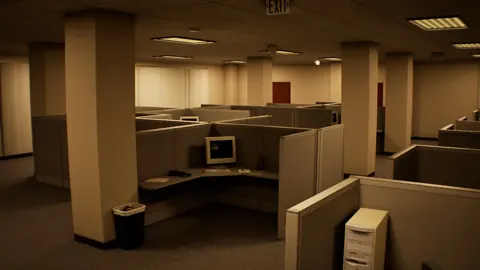 DROWSE Phone Guide: Calls, Beeper Tips, and Bug FixesExplore the DROWSE phone call, the apartment softlock fix, and beeper clues. Get practical tips for reading messages and claiming the limited Rizmo skin.
More in Items
See all Items
Popular pages
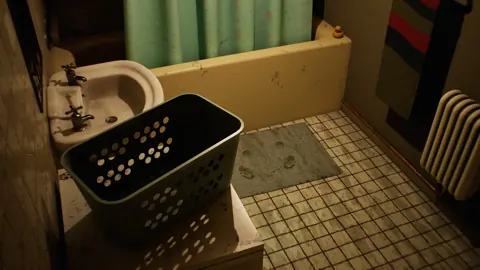
DROWSE Beginner Guide: Puzzle Tips for Your First Run
Use this DROWSE beginner guide to explore the office, solve environmental puzzles, understand patch fixes, and prepare for Andrew's unsettling night ahead.
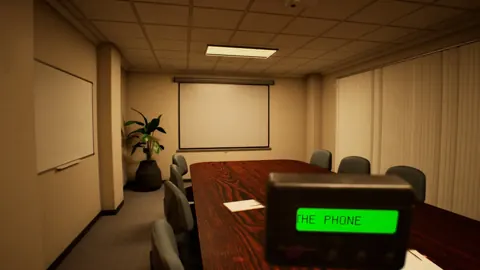
DROWSE Release Date: Launch, PC Specs, and Updates
DROWSE release date was October 8, 2026. Explore its Windows PC launch, system requirements, early patches, and limited-time rewards before you start.

DROWSE Editions: Steam Release, Features, and Extras
Explore DROWSE editions, Steam launch details, PC requirements, accessibility features, updates, and the limited Rizmo skin before starting Andrew's story.
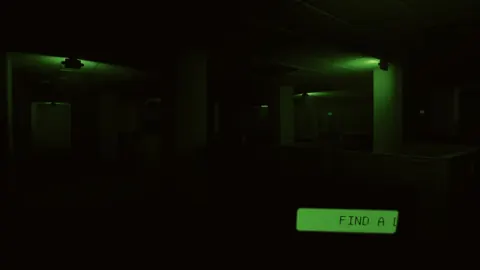
DROWSE Crossplay: Single-Player and Platform Details
DROWSE crossplay explained: explore its single-player format, Windows PC requirements, controller support, and Steam features before starting the story.
Join the community
Official channels for news, updates and player help: