
DROWSE Beginner Guide: Puzzle Tips for Your First Run
Use this DROWSE beginner guide to explore the office, solve environmental puzzles, understand patch fixes, and prepare for Andrew's unsettling night ahead.
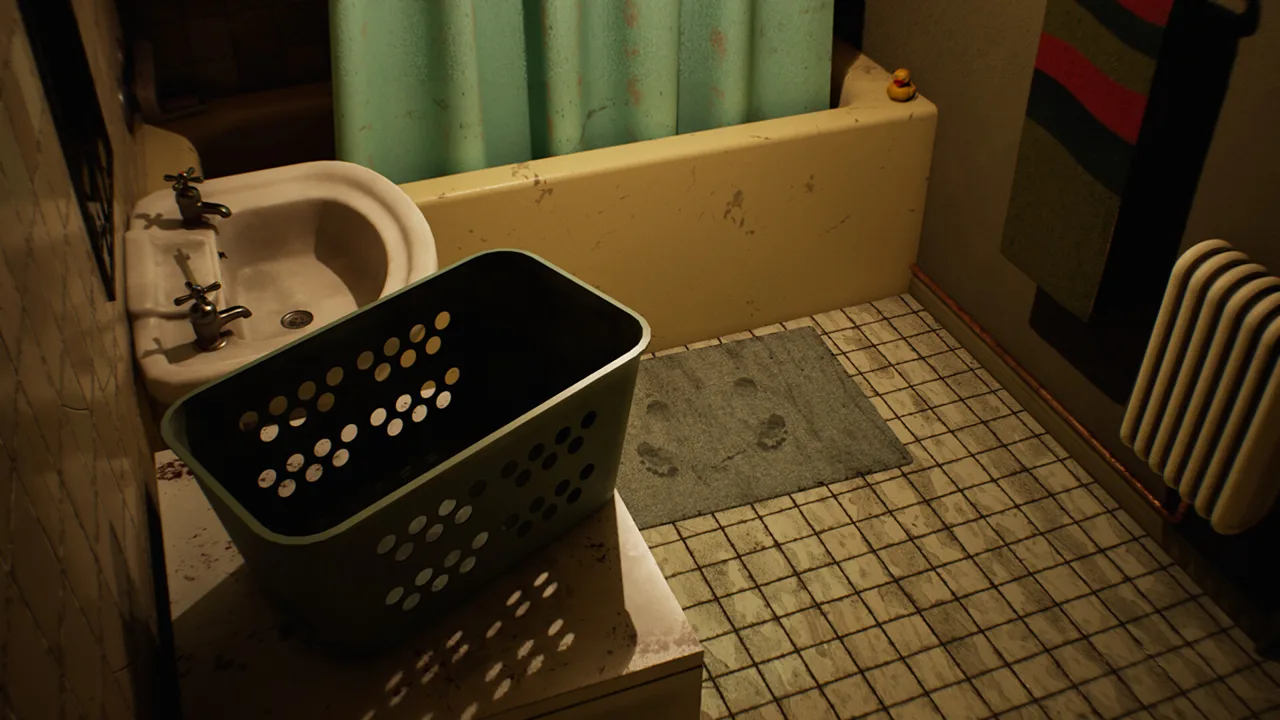
Before You Start: Get Comfortable and Update the Game
You return to the office for a few photocopies, and an ordinary errand starts slipping into something much stranger. This DROWSE beginner guide helps you approach the exploration and environmental puzzles without overlooking the objects and messages that matter. Use this DROWSE beginner guide to prepare your settings, understand the early patch changes, and keep moving without spoiling Andrew’s story.
DROWSE is a single-player, first-person psychological horror game set in the 1990s. You play Andrew, who is struggling with the loss of his dog, Oxmo. A coworker’s request brings him back to work late at night, where familiar surroundings gradually give way to unsettling memories.
The game launched on Windows through Steam on October 8, 2026. Before settling into your playthrough, check that your installation includes the fixes introduced in versions 1.01 and 1.02. Those updates address an apartment progression issue, improve several interactions, and clarify messages.
Check Your PC Requirements
Use these requirements to compare your system before starting:
| Component | Minimum | Recommended |
|---|---|---|
| Operating system | Windows 10, 64-bit | Windows 10/11, 64-bit |
| Processor | Intel Core i5-8400 / AMD Ryzen 5 2600 | Intel Core i7-9700K / AMD Ryzen 5 3600 |
| Memory | 8 GB RAM | 16 GB RAM |
| Graphics | NVIDIA GTX 1060 / AMD RX 580 | NVIDIA RTX 2060 / AMD RX 6600 |
| DirectX | Version 12 | Version 12 |
| Available storage | 20 GB | 30 GB |
Both configurations require a 64-bit processor and operating system. You can get DROWSE on Steam if you have not installed it yet.
Set Up for Reading and Listening
DROWSE includes adjustable text size, subtitle options, camera comfort features, custom volume controls, and full controller support.
Adjust the text size so you can comfortably read documents. Set the audio balance so spoken messages remain understandable alongside music. Explore the camera comfort options before spending a long session searching rooms.
English has full audio support. Give yourself room to hear conversations and recordings: the story unfolds through those interactions as well as the objects you examine.
Explore the Office With a Clear Purpose
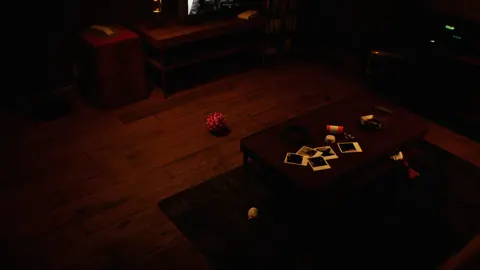
The central habit in this DROWSE beginner guide is simple: inspect ordinary things carefully. Drawers, documents, photographs, and personal belongings all belong to the game’s exploration loop. An office full of familiar equipment deserves more attention than a quick glance down the hallway.
 Image: Steam / MILKY COCO GAMES
Your initial errand involves collecting a coworker’s documents and making photocopies. Everyday activities also include turning on a computer, making coffee, and finding paper for the copier. Keep the current task in mind as you explore, and examine objects that relate to it.
Search Deliberately
Work through each room in a consistent way. Examine accessible objects, open drawers, read notes, and listen to recorded messages before moving on. This helps you remember what you have already checked when you return.
Use the different kinds of information together:
| What you encounter | What it contributes | What to do |
|---|---|---|
| Drawers and belongings | Searchable spaces and usable objects | Open drawers and examine their contents |
| Written notes | Clues and fragments of Andrew’s life | Read the wording carefully |
| Photographs | Personal history and memories | Look closely at the people and details shown |
| Recorded messages | Spoken information and story fragments | Listen through the message |
| Familiar rooms | A setting that changes as the story develops | Revisit details when something looks different |
Keep a brief note of anything you want to revisit. For example, write down the wording of a puzzling message and the room where you encountered it. Recording the actual clue is more useful than remembering only that something seemed strange.
Pay Attention When the Atmosphere Changes
A ringing phone, an unexpected sound, or a room that looks different can interrupt your routine. Pause and examine your surroundings when that happens.
Compare the space with what you remember. Look at nearby objects and consider whether your current task has changed. Avoid rushing past a disturbance simply because you already searched the room earlier.
Andrew’s relationship with Oxmo sits at the heart of the story. Give personal objects the same attention you give obvious puzzle elements. Reading a document for its emotional meaning can make the next scene easier to understand, even when that document is not the answer to your immediate obstacle.
Solve Environmental Puzzles by Connecting Clues
DROWSE’s puzzles involve finding clues, working out codes, and using discovered objects to open the way forward. Your surroundings provide the material for that process.
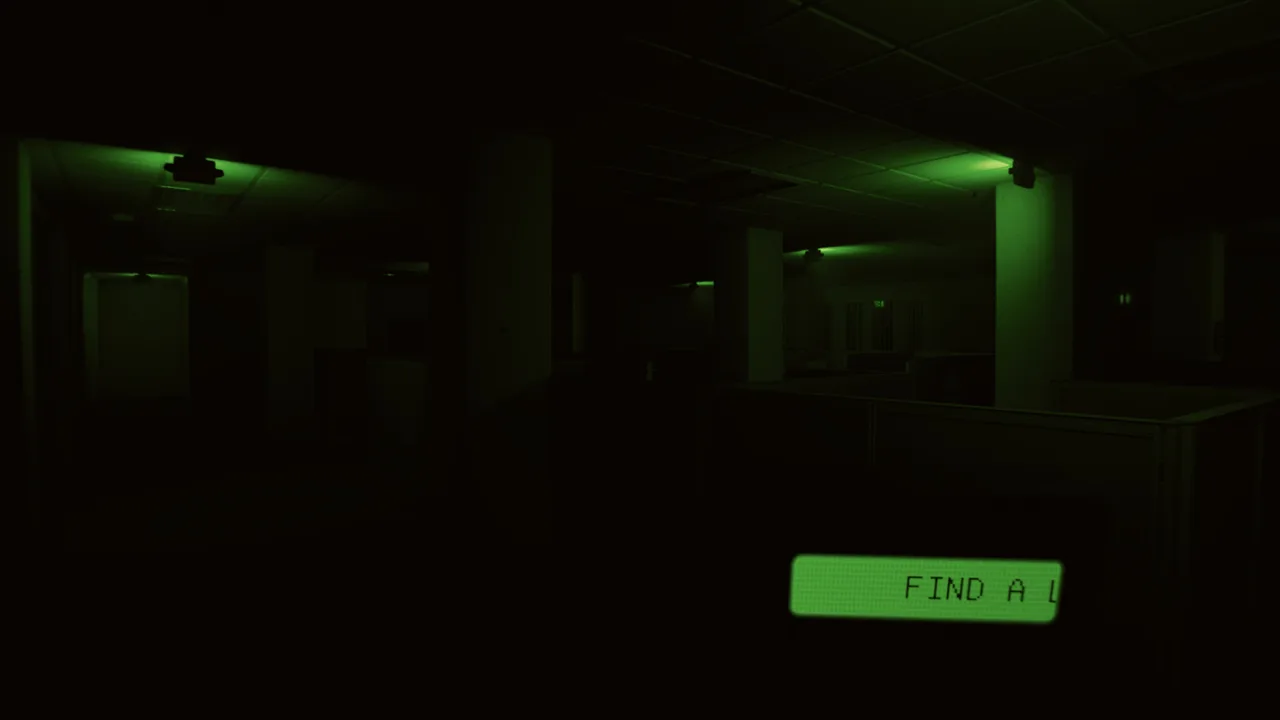 Image: Steam / MILKY COCO GAMES
Use this DROWSE beginner guide’s puzzle routine whenever progress slows: identify the obstacle, review relevant information, then examine the objects you have discovered.
Start With the Obstacle
Describe what is stopping you in plain language. Are you looking for an object needed for a task? Are you trying to interpret a message? Does the next interaction require a code?
That distinction gives your search a purpose. If you need an object, return to searchable spaces and task-related equipment. If you need a code, reread clues and listen to messages with that particular question in mind.
Try this sequence:
- Identify the task or interaction you are trying to complete.
- Revisit the nearby drawers, objects, and documents.
- Read or listen to relevant messages again.
- Compare their wording with the obstacle.
- Consider how a discovered item relates to that task.
Keep possible connections separate from what you have actually learned. Write “check this message against the code” as a reminder to investigate, rather than assuming every number or phrase supplies an answer.
Read for Instructions as Well as Story
Documents and recordings reveal Andrew’s life, but the game also uses clues and messages to guide puzzle solving. Read the full message before acting on one phrase.
In the office, version 1.02 improves the clarity of the message displayed during the TV video. If that moment leaves you unsure what to do, give the text your attention and connect it with your current task.
The same principle applies later in the animal hospital. Version 1.02 adds a beeper message about the medical key and the upstairs operating room. Read that message before repeating a search through the area.
Separate an Interaction Problem From a Missing Clue
Sometimes the object itself needs another careful look. Version 1.02 makes the beeper inside a drawer and the pills inside the medicine cabinet easier to interact with.
When an object seems relevant, adjust your view and inspect its immediate surroundings. Check the drawer or cabinet directly before abandoning that lead.
Keep the broader puzzle in view, too. Repeatedly trying the same interaction will not help you interpret a message you have skimmed. Alternate between checking the object and reviewing the information connected to it.
Know the Patch Changes That Affect Your Playthrough
In this DROWSE beginner guide, versions 1.01 and 1.02 matter because they change several places where players could get stuck or struggle to understand an objective.
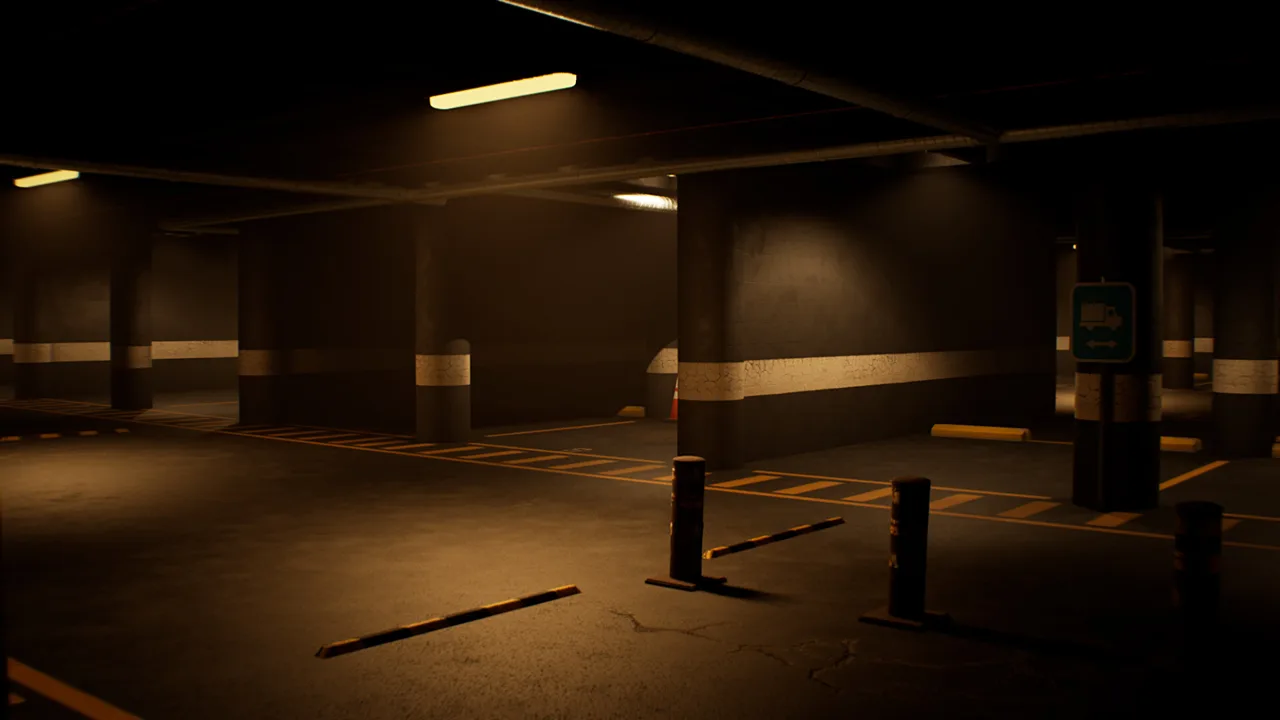 Image: Steam / MILKY COCO GAMES
Version 1.01 fixes an apartment softlock after the phone call. Version 1.02 improves object interactions, adjusts access in the animal hospital, and makes some guidance clearer.
| Area or feature | Update | Change |
|---|---|---|
| Apartment after the phone call | 1.01 | Fixed an issue that could prevent progression |
| Office TV video | 1.02 | Clarified the displayed message |
| Beeper inside a drawer | 1.02 | Made interaction easier |
| Pills inside the medicine cabinet | 1.02 | Made interaction easier and clarified the hospital message |
| Animal hospital upstairs access | 1.02 | Moved a barrier to improve access |
| Medical key and operating room | 1.02 | Added guidance through a beeper message |
| Animal hospital spinning wheel | 1.02 | Increased the winning chance from 10% to 20% |
These changes give you specific things to check when an interaction feels confusing. In the animal hospital, review the beeper message, examine the medicine cabinet, and look again at the route upstairs.
The spinning wheel’s version 1.02 winning chance is 20%. That percentage describes a chance; it does not promise a win after a particular number of attempts. Keep the current odds in mind without planning around a guaranteed result.
Small Fixes Also Affect the Experience
Version 1.01 adds a missing name to an audio tape and fixes an endlessly looping item-storage sound. It also prevents taking pills through the medicine cabinet.
Version 1.02 fixes music fading during Dr. Harris’ dialogue after completing the objective, and after taking pills when reloading a save. These changes help distinguish intended audio from technical problems.
Optional Rizmo Beeper Skin
From October 10 through October 17, 2026, the code LC-RIZMO-LIMITED unlocks the limited Rizmo beeper skin when redeemed in-game.
Treat the skin as an optional extra during your playthrough. Its announced reward is the beeper appearance, so keep your exploration focused on messages, objects, and puzzles.
The code is time-sensitive. If you want the skin, redeem it during the announced period.
Handle Startup Crashes With Useful Details
This DROWSE beginner guide also covers what to do if you cannot reach the game itself. For a startup crash, the developer’s troubleshooting request is to check for crash reports and send them privately by email.
Look for this Windows folder:
%localappdata%\Drowse\Saved\Crashes
If crash reports are present, package them in a ZIP file and email the attachment to contact@milkycocogames.com.
| Situation | What to check | What to tell support |
|---|---|---|
| The game crashes during startup | Whether the crash folder exists | Where startup stops and what happens |
| Crash reports are present | The files in the crash folder | Send the reports as a ZIP attachment |
| The folder is missing | Whether the specified path exists | State that the path does not exist |
| The folder is empty | Whether it contains any reports | State that no crash reports were generated |
Send the files privately. Describe the visible sequence clearly—for example, a black screen followed by loading and a return to the desktop, if that is what happens on your PC.
Include troubleshooting steps you have already tried so support can understand the situation. Keep that account factual and concise.
For an in-game problem, describe the location, the object involved, and the task you were attempting. The apartment phone call, office TV message, drawer beeper, and medicine cabinet are specific enough to help explain an issue.
Return to this DROWSE beginner guide’s main habit once you are playing: read carefully, inspect deliberately, and connect each clue with the task in front of you.
FAQ
What should I focus on first in a DROWSE beginner guide?
Start with comfortable text, subtitle, audio, and camera settings. Then concentrate on the office errand while inspecting drawers, reading documents, and listening to messages.
Who are Andrew and Oxmo?
Andrew is DROWSE’s playable character. Oxmo is his dog, whose loss shapes the game’s story of grief, loneliness, and trying to move forward.
What changed in DROWSE version 1.02?
Version 1.02 clarifies the office TV message, improves interactions with the drawer beeper and medicine-cabinet pills, adjusts animal hospital access, adds beeper guidance, and raises the spinning wheel’s winning chance to 20%.
What should I do if DROWSE crashes on startup?
Check %localappdata%\Drowse\Saved\Crashes. Send any crash reports as a ZIP attachment to contact@milkycocogames.com privately, or tell support if the folder is missing or empty.
Continue with
 DROWSE Making Photocopies: Office Tasks and Puzzle TipsDROWSE making photocopies starts with a late-night office favor. Explore document tasks, copier paper, puzzle clues, and fixes to keep Andrew moving ahead.
More in Guide
DROWSE Story Explained: Andrew, Oxmo, and the Office
Explore the DROWSE story, Andrew's bond with Oxmo, and the office nightmare. Learn how to follow clues, interpret memories, and read key story details.
DROWSE Tips: Solve Puzzles and Avoid Early Frustration
Use these DROWSE tips to find clues, understand beeper messages, tackle office and hospital puzzles, and avoid early bugs on your first trip into the dark.
Join the community
Official channels for news, updates and player help: