
DROWSE Making Photocopies: Office Tasks and Puzzle Tips
DROWSE making photocopies starts with a late-night office favor. Explore document tasks, copier paper, puzzle clues, and fixes to keep Andrew moving ahead.
Jump to
What Andrew’s Office Favor Actually Involves
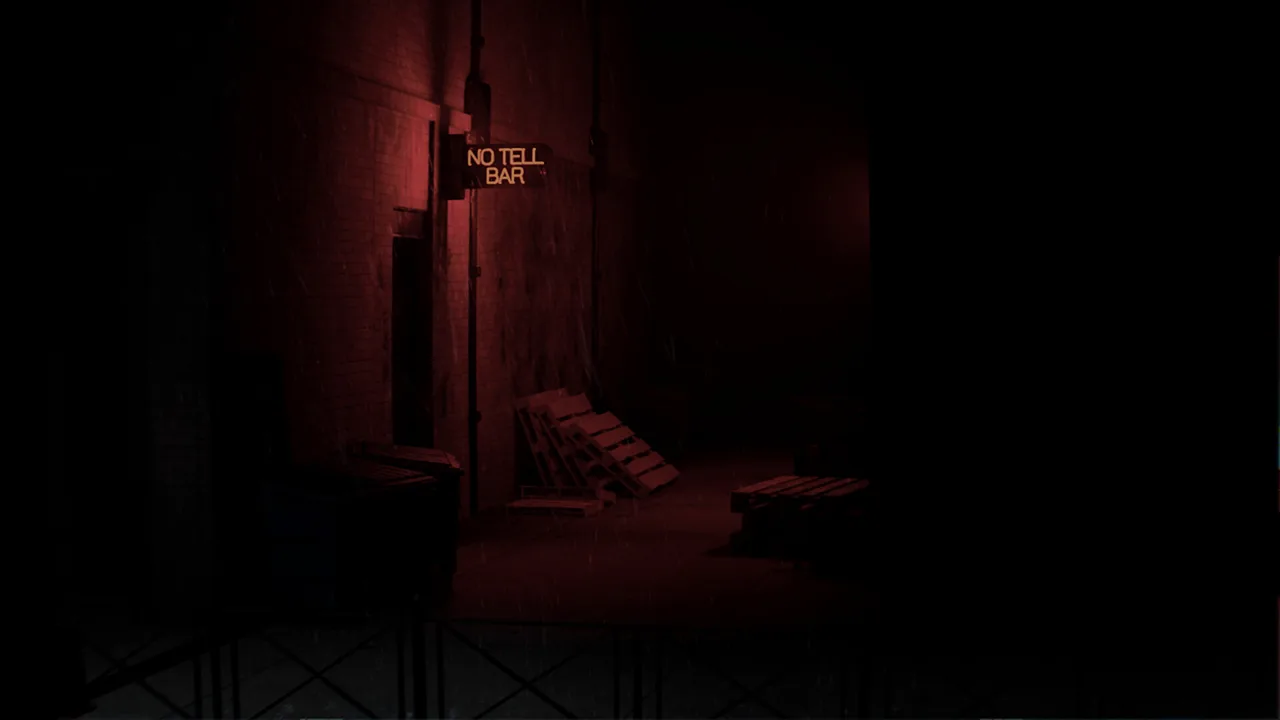
DROWSE making photocopies begins with a favor that sounds easy: return to the office, pick up a coworker’s documents, and make copies. That errand draws Andrew into an evening of environmental puzzles, unsettling changes, and memories tied to the loss of his dog, Oxmo. For players tackling DROWSE making photocopies, careful attention to objects and messages provides a useful foundation for exploring the office.
You play as Andrew in a first-person psychological horror game set in the 1990s. His coworker’s call gives him a concrete reason to leave his empty apartment and return to work. Once there, familiar activities share space with ringing phones, unexpected sounds, and surroundings that become harder to recognize.
The office routine includes using a computer, making coffee, and finding paper for the copier. These everyday activities establish the setting while exploration introduces documents, personal belongings, and clues.
| Office activity | What it involves | What to focus on |
|---|---|---|
| Coworker’s favor | Picking up documents and making photocopies | Read messages connected to the errand |
| Computer | Turning on the office computer | Examine the equipment you encounter |
| Coffee | Making yourself coffee | Follow the game’s interaction instructions |
| Copier preparation | Finding paper for the copier | Search accessible spaces and inspect objects |
| Exploration | Opening drawers and examining belongings | Pay attention to notes and usable items |
Keep the coworker’s request in mind as you explore. It gives the evening a practical purpose even as Andrew’s surroundings start to change. Read the words attached to that request carefully, and examine the office rather than treating every room as a passage to somewhere else.
How to Approach Documents and Copier Paper
The central task in DROWSE making photocopies involves your coworker’s documents and the paper needed for the copier. Finding paper is explicitly part of the office routine, so give that search attention alongside the paperwork.
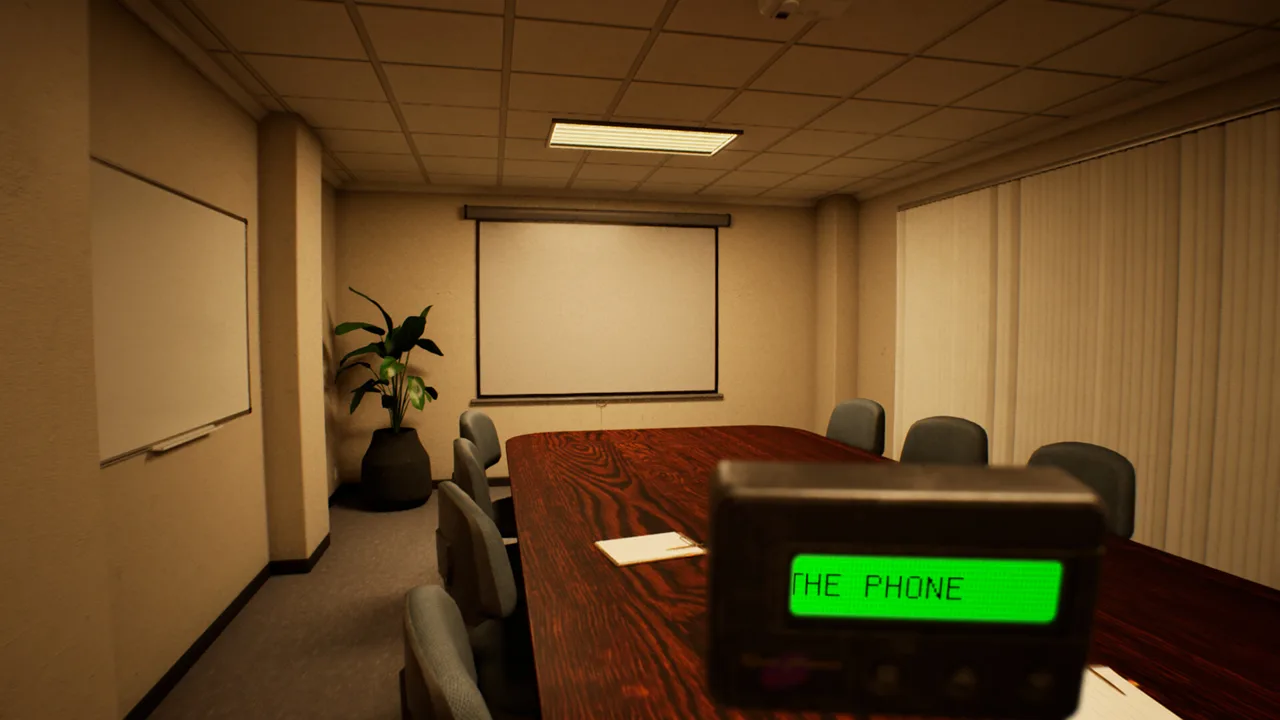 Image: Steam / MILKY COCO GAMES
Search accessible drawers and examine objects in the rooms you can explore. DROWSE supports hands-on interactions with belongings, and its puzzles use discovered items to open the way forward. An object deserves a closer look because it can carry information, serve a practical purpose, or reveal something about Andrew.
Keep the favor separate from your assumptions
Read the coworker’s instructions before drawing conclusions about which documents matter. Office environments are full of plausible distractions: equipment, notes, drawers, and personal effects. Ground your next action in the text and objects the game presents.
Use this checklist to organize your search:
- Read messages associated with the coworker’s request.
- Examine documents closely rather than relying on their appearance.
- Search accessible drawers while looking for copier paper.
- Inspect discovered objects before deciding how they relate to the task.
- Follow the interaction instructions presented by the game.
These are exploration habits, not a fixed copier button sequence. Apply them as you move through the office and encounter the task’s requirements.
Inspect before moving on
Give each relevant object enough attention to understand what it contains. DROWSE combines physical interactions with written clues, so picking something up and understanding it are separate parts of the same investigation.
Read a document through before setting it aside. When examining a personal belonging, consider how it connects to a nearby photograph or message. Keep brief notes on names, codes, or instructions that seem relevant to a puzzle.
For DROWSE making photocopies, organize those notes around the favor itself. Record what the coworker asks you to collect and any instructions you encounter about completing the errand. Keeping that information together helps you approach the task without mixing it with unrelated story details.
Read the Office’s Clues Before Trying Codes
DROWSE’s environmental puzzles involve finding clues, working out codes, and using discovered items. Drawers, forgotten notes, photographs, and recorded messages all deserve attention during the office investigation.
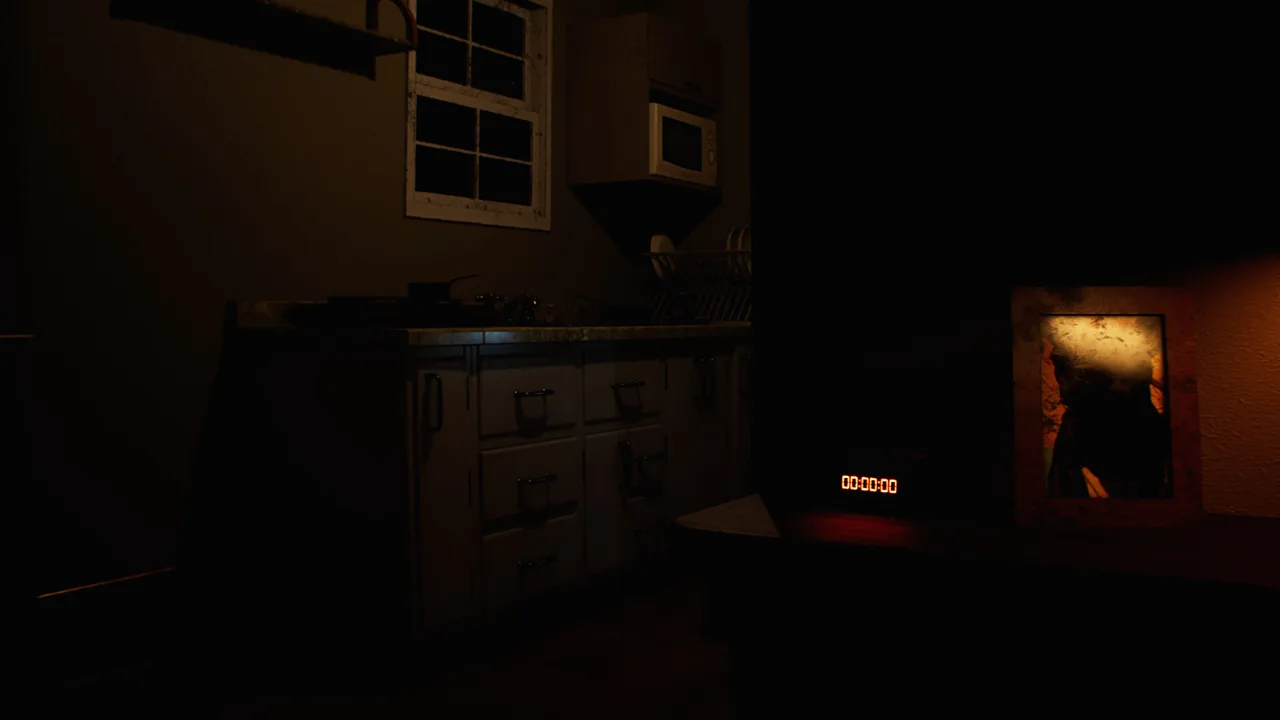 Image: Steam / MILKY COCO GAMES
The useful habit here is to connect information before acting on it. Read a note, examine the nearby objects, and listen to a recording in full. Then consider which detail speaks to the obstacle in front of you.
| Clue or object | Its role in DROWSE | Practical reading habit |
|---|---|---|
| Written notes and documents | Convey information and fragments of Andrew’s life | Read the complete text |
| Recorded messages | Reveal story details through audio | Listen through the message before interpreting it |
| Photographs | Show pieces of Andrew’s personal history | Examine the image and its surrounding context |
| Personal belongings | Provide hands-on exploration and narrative details | Inspect an object before moving on |
| Discovered items | Can be used to open the way forward | Match an item’s purpose to the current obstacle |
| Codes | Form part of the environmental puzzles | Build an answer from relevant clues |
Give code clues a clear context
When you encounter a code puzzle, review the information connected to that obstacle. Write down the relevant wording exactly, especially when a message contains several details. Accuracy matters more than having a long list of possible answers.
Avoid turning every number or name into a candidate solution. Focus on the relationship between the clue and the object you are trying to understand. That keeps the investigation manageable and gives each attempt a reason.
The same habit helps with DROWSE making photocopies: return to the wording of the task whenever exploration pulls your attention elsewhere.
Listen as carefully as you read
Recorded messages are part of how Andrew’s story unfolds. Give them the same attention you give written documents. Listen for the subject of the message, who it concerns, and how it relates to the location you are exploring.
DROWSE includes subtitle options and custom volume controls. Use those settings to make dialogue and messages easier to follow. Adjust text size if reading documents feels uncomfortable, and take time with longer passages.
The game’s clues also carry emotional context. A photograph or personal object can deepen your understanding of Andrew’s life even when your immediate goal is still the office errand.
Stuck During the Office Errand? Check the Relevant Fixes
A problem encountered while trying to reach or complete the office sequence can have a different cause from a missed puzzle clue. Two early updates address specific issues worth recognizing: version 1.01 fixes an apartment progression problem after the phone call, while version 1.02 improves the clarity of an office TV message.
For DROWSE making photocopies, distinguish where you are stuck before retracing your search. Being unable to progress in the apartment after the call is different from struggling to interpret information inside the office.
| Situation | Relevant update | What changed |
|---|---|---|
| Unable to progress in the apartment after the phone call | Version 1.01 | Fixed the apartment softlock |
| Difficulty understanding the office TV video’s message | Version 1.02 | Improved the displayed message’s clarity |
| Difficulty interacting with the beeper inside a drawer | Version 1.02 | Made the beeper easier to interact with |
| Item put-away audio repeating continuously | Version 1.01 | Fixed the looping sound |
Keep the game updated before spending more time on one of these specific problems. The apartment fix is particularly relevant to reaching the late-night favor, since the coworker’s call is what sends Andrew back to the office.
If the office TV message is confusing, read its wording carefully on version 1.02. That update addresses clarity in the message itself. Do not substitute a guessed interpretation for the text you can read in the game.
For an ongoing technical issue, contact MILKY COCO GAMES at contact@milkycocogames.com. Include your game version, location, what you interacted with, and what happened afterward. A precise description gives the developer a clearer problem to investigate.
Keep that distinction in mind when troubleshooting DROWSE making photocopies: identify the exact interaction or message causing trouble, then compare it with the fixes that apply.
Follow Andrew’s Story While Completing the Favor
The photocopy task introduces a story centered on grief, loneliness, and Andrew’s relationship with Oxmo. Andrew is struggling with his dog’s loss, filling his days with work while his apartment feels empty.
That context gives the ordinary office routine its weight. Returning for a coworker’s favor is familiar and practical, but the spaces around Andrew gradually give way to distorted memories. Photographs, belongings, documents, and recorded messages reveal pieces of his life as you explore.
Pay attention to changes in familiar rooms. DROWSE uses altered surroundings, unexpected sounds, and interruptions to build unease. Compare what you encounter with what you remember seeing earlier, and examine details that draw your attention.
The 1990s setting also makes its physical objects central to the experience. Office equipment and personal possessions are part of the world you investigate. Give those objects time; they carry both the practical work of exploration and the personal story unfolding around it.
Make the information comfortable to follow
Reading and listening are recurring activities, so adjust the presentation to suit you before a long exploration session.
| Available feature | Adjustment to consider |
|---|---|
| Adjustable text size | Increase text size for more comfortable reading |
| Subtitle options | Configure subtitles to help follow spoken information |
| Custom volume controls | Adjust the sound balance to suit your listening setup |
| Camera comfort | Review the available camera comfort settings |
| Full controller support | Use a supported controller if you prefer it |
DROWSE released for Windows on October 8, 2026. You can get DROWSE on Steam to begin Andrew’s story.
As you work through DROWSE making photocopies, keep the errand and the surrounding investigation connected. Read the request, search for paper, examine objects, and listen to messages. Those actions let you pursue the favor while following the memories that make Andrew’s evening increasingly personal.
FAQ
What is the DROWSE making photocopies objective?
Andrew returns to the office after a coworker asks for a favor. The request involves picking up her documents and making photocopies. Finding paper for the copier is also part of the office routine.
How should I look for copier paper?
Search accessible drawers and examine objects throughout the office. Read the task-related messages, and follow the game’s interaction instructions as you investigate. Keep your attention on the documents and paper connected to the coworker’s favor.
What should I do if I am stuck after the apartment phone call?
Update the game. Version 1.01 fixes an issue that could prevent progression in the apartment after the phone call. If the problem continues, send MILKY COCO GAMES your version and a clear description of what happens.
Which update improves the office TV message?
Version 1.02 improves the clarity of the message displayed during the office TV video. The same update also makes the beeper inside a drawer easier to interact with.
Continue with
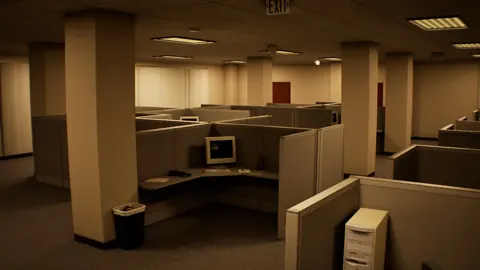 DROWSE Story Explained: Andrew, Oxmo, and the OfficeExplore the DROWSE story, Andrew's bond with Oxmo, and the office nightmare. Learn how to follow clues, interpret memories, and read key story details.
More in Guide
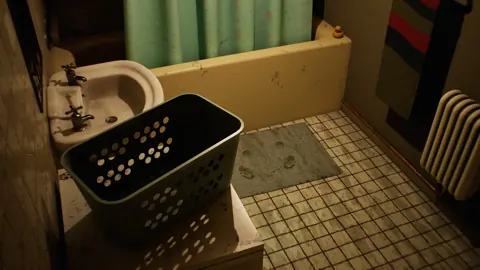
DROWSE Beginner Guide: Puzzle Tips for Your First Run
Use this DROWSE beginner guide to explore the office, solve environmental puzzles, understand patch fixes, and prepare for Andrew's unsettling night ahead.
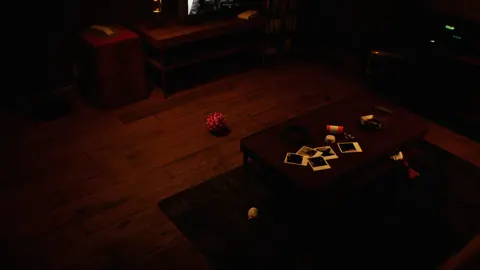
DROWSE Tips: Solve Puzzles and Avoid Early Frustration
Use these DROWSE tips to find clues, understand beeper messages, tackle office and hospital puzzles, and avoid early bugs on your first trip into the dark.
Join the community
Official channels for news, updates and player help: