
DROWSE Release Date: Launch, PC Specs, and Updates
DROWSE release date was October 8, 2026. Explore its Windows PC launch, system requirements, early patches, and limited-time rewards before you start.
Release at a glance
- Release date
- October 8, 2026
- Platforms
- Windows PC
- Status
- Out now
Out now
Jump to
DROWSE Release Date and Launch Status
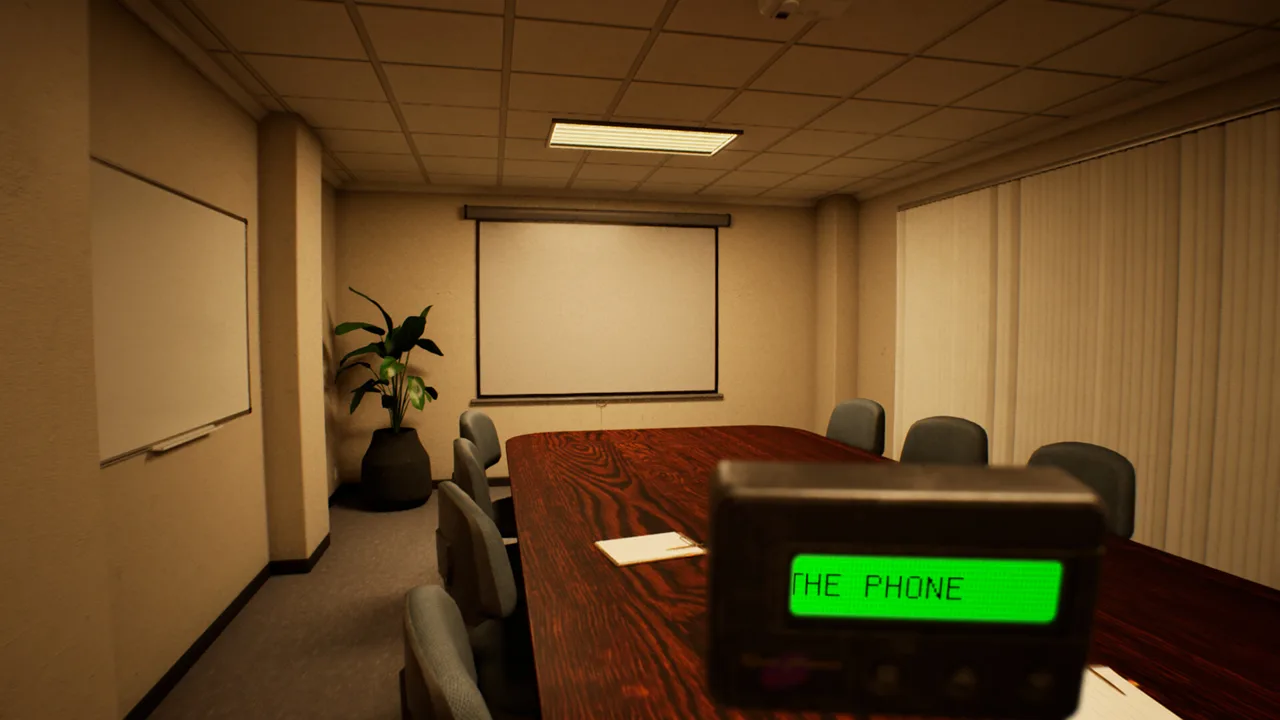
A late-night trip back to the office is already waiting for you: the DROWSE release date was October 8, 2026. You can now play this psychological horror game on Windows PC through Steam, with early updates addressing progression problems and making interactions clearer. If you searched for the DROWSE release date to decide whether to jump in, check your PC requirements and catch up on those fixes before starting Andrew’s unsettling evening.
Developed and published by MILKY COCO GAMES, DROWSE turns a small workplace favor into a story about grief, loneliness, and memories that refuse to stay buried. Its opening task sounds harmless: return to work, collect documents, make photocopies, and head home.
Here are the essential launch details:
| Detail | DROWSE launch information |
|---|---|
| Release date | October 8, 2026 |
| Released platform | Windows PC |
| Store | Steam |
| Developer and publisher | MILKY COCO GAMES |
| Game type | Single-player, first-person psychological horror |
| Launch promotion | 10% off during launch week |
The DROWSE release date also marks MILKY COCO GAMES’ first released game. The studio’s core development team consists of two people, with additional contributors helping with voice acting, testing, and other parts of production.
You can buy DROWSE on Steam and check the current purchase price there. The launch announcement advertised a 10% discount during launch week, so check the offer displayed when you buy.
What Awaits You in Andrew’s Late-Night Office Visit
DROWSE takes place in the 1990s and follows Andrew, a man struggling after the loss of his dog, Oxmo. Work occupies his days, but his apartment feels empty, and familiar routines have become increasingly difficult.
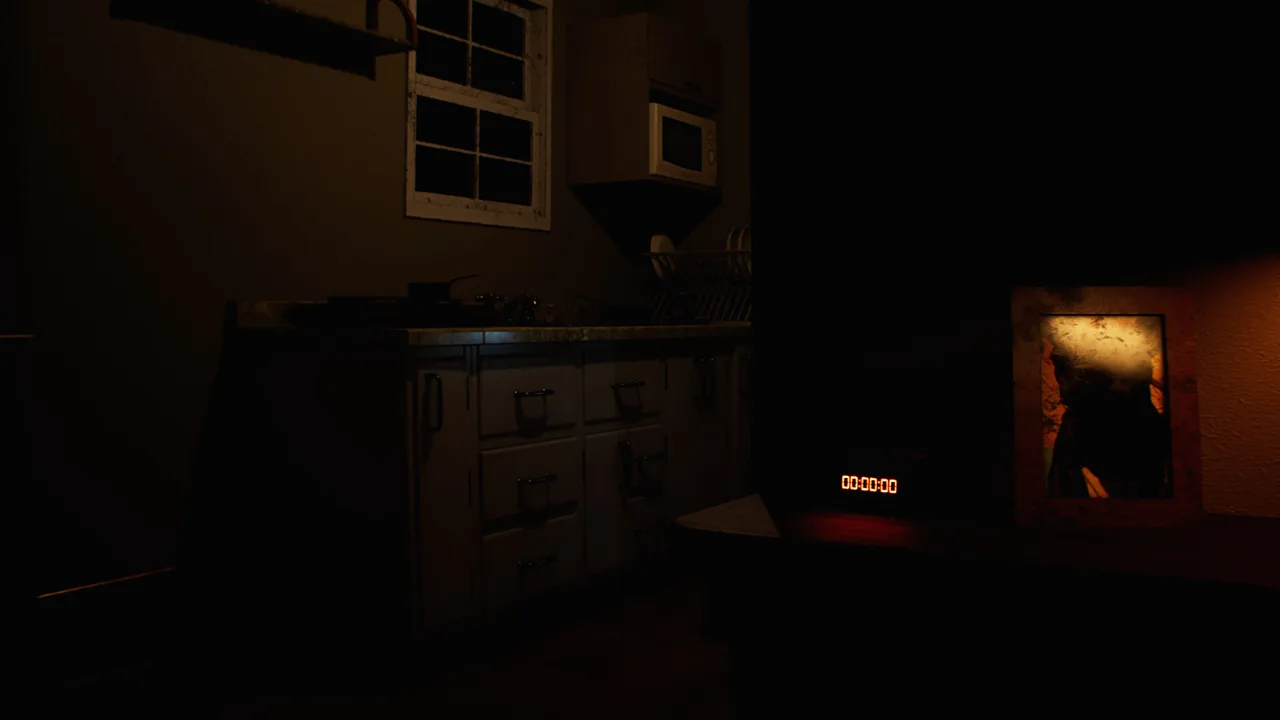 Image: Steam / MILKY COCO GAMES
Then a coworker asks for help. Andrew returns to the office to pick up documents and make copies. Everyday actions—using a computer, preparing coffee, finding paper—provide the starting point for a night that gradually slips away from normality.
The horror grows through interruptions to that routine. A phone rings. An unexpected sound breaks the quiet. A familiar room no longer looks quite right. As Andrew moves through these spaces, his memories begin to intrude on the present.
Exploration and Environmental Puzzles
Your main activities involve exploring rooms, inspecting belongings, and connecting clues. You can search drawers, read notes, listen to recorded messages, and use discovered objects to open the way forward.
The story unfolds through those interactions. Photographs, documents, and personal possessions reveal pieces of Andrew’s life, while environmental puzzles ask you to pay attention to the details around you.
Keep these habits in mind as you explore:
- Read notes carefully. Documents contribute to both the story and the clues you use to work out codes.
- Inspect personal belongings. Photographs and objects help explain Andrew’s relationships and memories.
- Listen to recorded messages. Audio is another way the game delivers story information.
- Reexamine changing spaces. Familiar surroundings can become distorted as Andrew’s memories surface.
Give each room enough attention to understand what it contains. The game’s premise makes ordinary office equipment part of the experience, so a drawer or stack of papers deserves a closer look.
A Personal Story Beneath the Horror
Andrew’s relationship with Oxmo remains central to the journey. The office errand gives the story its immediate objective, while the loss of his companion gives it emotional weight.
Expect themes of bereavement and isolation alongside exploration and puzzles. Knowing that premise helps set expectations before you begin: Andrew’s struggle to move forward is woven into the places you visit and the belongings you examine.
Platforms, Controls, and PC System Requirements
The DROWSE release date brought the game to Windows PC through Steam. Its PC requirements include a 64-bit operating system and processor, plus DirectX 12.

Start by comparing your hardware with the minimum and recommended specifications. Pay particular attention to storage: the minimum calls for 20 GB of available space, while the recommended configuration calls for 30 GB.
| Component | Minimum requirements | Recommended requirements |
|---|---|---|
| Operating system | Windows 10 64-bit | Windows 10/11 64-bit |
| Processor | Intel Core i5-8400 / AMD Ryzen 5 2600 | Intel Core i7-9700K / AMD Ryzen 5 3600 |
| Memory | 8 GB RAM | 16 GB RAM |
| Graphics | NVIDIA GTX 1060 / AMD RX 580 | NVIDIA RTX 2060 / AMD RX 6600 |
| DirectX | Version 12 | Version 12 |
| Available storage | 20 GB | 30 GB |
Check your CPU and graphics card models before purchasing, and compare them with the hardware above. These requirements give you a concrete starting point for deciding whether your existing setup fits the game.
Controller Support and Accessibility Features
DROWSE includes full controller support, Steam Achievements, and Steam Cloud. It also offers adjustable text size, camera comfort options, custom volume controls, and subtitle options.
Before starting, adjust the text and audio settings to suit your setup. Reading documents and hearing recorded messages are part of exploration, so make those elements comfortable to follow.
Use the camera comfort options to tailor the first-person presentation. If you prefer playing with a controller, full controller support lets you choose that input method.
Languages and Voice Audio
DROWSE supports English, French, Italian, German, Spanish from Spain, Japanese, Brazilian Portuguese, Simplified Chinese, and Ukrainian. English has full audio support.
Version 1.02 also added Malay localization, with AI used for that translation. That addition belongs to the post-launch update rather than the original language lineup.
Choose your preferred language and review the subtitle settings before beginning. With dialogue, written clues, and recorded messages contributing to Andrew’s story, readable text is a practical part of getting ready.
Early Updates: What Versions 1.01 and 1.02 Changed
The days following the DROWSE release date brought updates focused on bugs, interaction problems, and clearer guidance. Version 1.01 addressed an apartment softlock after a phone call.

Version 1.02 followed with quality-of-life improvements, including easier object interactions and more helpful messages. As of October 11, these are the early changes to know about before playing.
| Area | Update | What changed |
|---|---|---|
| Apartment progression | 1.01 | Fixed a softlock that could stop progress after the phone call |
| Item audio | 1.01 | Fixed continuously looping item put-away sounds |
| Office guidance | 1.02 | Clarified the message displayed during the TV video |
| Object interactions | 1.02 | Made the drawer beeper and medicine-cabinet pills easier to interact with |
| Music | 1.02 | Corrected fade-outs associated with dialogue and reloading after taking pills |
| Animal hospital | 1.02 | Improved access and added clearer guidance about objectives |
| Spinning wheel | 1.02 | Increased the winning chance to 20% |
The Apartment Progression Fix
If you played on the DROWSE release date and became stuck in the apartment after the phone call, version 1.01 addresses that specific issue.
Update your installation before trying that section again. The same patch also corrected an endlessly looping item sound, added a missing name to an audio tape, and adjusted several environmental details.
These changes address particular problems; they do not require you to reinterpret the opening objective. You are still following Andrew’s routine as the evening begins to unravel.
Clearer Interactions and Guidance
Version 1.02, released on October 10, made the beeper inside a drawer and the pills inside a medicine cabinet easier to interact with. It also clarified messages in the office and animal hospital.
For the hospital section, read the added beeper message about the medical key and upstairs operating room. The update also moved a barrier to improve upstairs access.
The hospital spinning wheel now has a 20% winning chance in version 1.02. Use that current figure when reading older advice about the section.
Launch Discount, Rizmo Reward, and Your First Session
The DROWSE release date came with a 10% launch-week discount, and an early collaboration added a limited-time cosmetic reward. These offers cover different things: one affects the purchase price, while the other gives you a beeper skin through an in-game promo code.
The reward is Rizmo, a limited beeper skin available during the collaboration period from October 10 through October 17, 2026.
| Offer | Availability | Player action |
|---|---|---|
| Launch discount | During launch week | Check the current discounted price on Steam |
| Rizmo beeper skin | October 10–17, 2026 | Redeem LC-RIZMO-LIMITED in-game |
Enter LC-RIZMO-LIMITED in-game during the event window to unlock Rizmo. Copy the code exactly, including its hyphens. The reward changes the beeper’s appearance.
Before beginning Andrew’s story, run through this short preparation list:
- Compare your PC with the requirements. Check your processor, graphics card, RAM, operating system, and available storage.
- Update the game. Versions 1.01 and 1.02 address early progression and interaction issues.
- Set up readable text. Use adjustable text size and subtitle options for documents and dialogue.
- Review audio and camera settings. Customize volume and camera comfort before exploring.
- Redeem the event code during its availability window. The Rizmo offer runs through October 17.
Once you are in the office, follow the immediate tasks and examine the objects around them. Read the documents you find, listen to messages, and keep track of clues connected to codes or usable items.
DROWSE builds its premise around a familiar errand becoming increasingly strange. Let those everyday details establish the setting before pushing ahead: Andrew’s office, possessions, and memories all contribute to the journey.
FAQ
What was the DROWSE release date?
The DROWSE release date was October 8, 2026. The game is available on Steam for Windows PC and is developed and published by MILKY COCO GAMES.
What kind of game is DROWSE?
DROWSE is a single-player, first-person psychological horror game set in the 1990s. You play as Andrew, explore changing environments, examine objects, and solve puzzles while uncovering a story centered on grief and his bond with his dog, Oxmo.
Does DROWSE support controllers?
Yes. DROWSE has full controller support. It also includes adjustable text size, camera comfort options, custom volume controls, subtitle options, Steam Achievements, and Steam Cloud.
How do you unlock the Rizmo beeper skin?
Redeem LC-RIZMO-LIMITED in-game during the collaboration period, October 10–17, 2026, to unlock the limited Rizmo beeper skin.
Continue with
 DROWSE Trailer: Story, Gameplay, and PC Release GuideExplore the DROWSE trailer, Andrew's eerie story, puzzle gameplay, PC requirements, and launch updates before stepping into a late-night office nightmare.
More in Release
See all Release
Popular pages
DROWSE Beginner Guide: Puzzle Tips for Your First Run
Use this DROWSE beginner guide to explore the office, solve environmental puzzles, understand patch fixes, and prepare for Andrew's unsettling night ahead.
DROWSE Crossplay: Single-Player and Platform Details
DROWSE crossplay explained: explore its single-player format, Windows PC requirements, controller support, and Steam features before starting the story.
DROWSE Andrew: His Story, Oxmo, and the Office Horror
Explore DROWSE Andrew, his bond with Oxmo, and the grief behind his late-night office nightmare. Get character insights and practical tips for the journey.

DROWSE Coworker Documents: Office Task and Item Guide
Explore DROWSE coworker documents, the late-night copying task, office exploration tips, and version 1.02 changes to help you navigate Andrew's nightmare.
Join the community
Official channels for news, updates and player help: