
DROWSE Trailer: Story, Gameplay, and PC Release Guide
Explore the DROWSE trailer, Andrew's eerie story, puzzle gameplay, PC requirements, and launch updates before stepping into a late-night office nightmare.
Jump to
What the DROWSE Trailer Tells You About the Story
A late-night trip to make photocopies becomes much harder when familiar rooms start pulling you into painful memories. The DROWSE trailer introduces the emotional pressure behind this first-person psychological horror game, giving you a sense of what drives its unsettling premise. With the game now available, the DROWSE trailer also offers a starting point for understanding Andrew’s story before you step into his office.
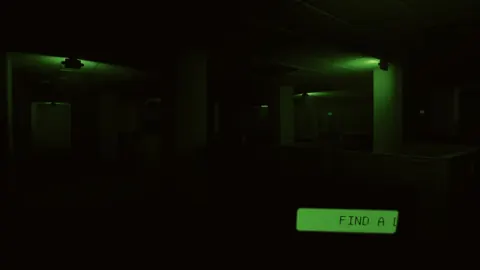
The dialogue immediately puts someone’s well-being under scrutiny. A speaker addresses Mr. Collins, expresses concern about his condition, questions his willingness to move forward, and asks about medication. The closing demand pushes that tension toward something that must end that night.
Those words establish a harsh, personal tone. Even the question about medication comes wrapped in frustration, making the exchange feel uncomfortable before you know the full situation. The emotional pressure gives the horror a human starting point: someone is struggling, and the conversation makes that struggle feel harder to escape.
Andrew, Oxmo, and the Weight of an Empty Apartment
You play as Andrew, a man grieving the loss of his dog, Oxmo. His working days continue, but home feels empty, and maintaining an ordinary routine has become increasingly difficult.
That relationship sits at the center of DROWSE. Photographs, belongings, documents, and recorded messages reveal parts of Andrew’s life as familiar surroundings give way to distorted memories. Some reminders offer comfort; others bring him closer to things he would rather leave behind.
Keep that emotional context in mind when exploring. Examine personal objects and read the words left around you. These interactions contribute to the story while giving the spaces you visit a connection to Andrew’s life.
Why a Simple Office Favor Becomes a Nightmare
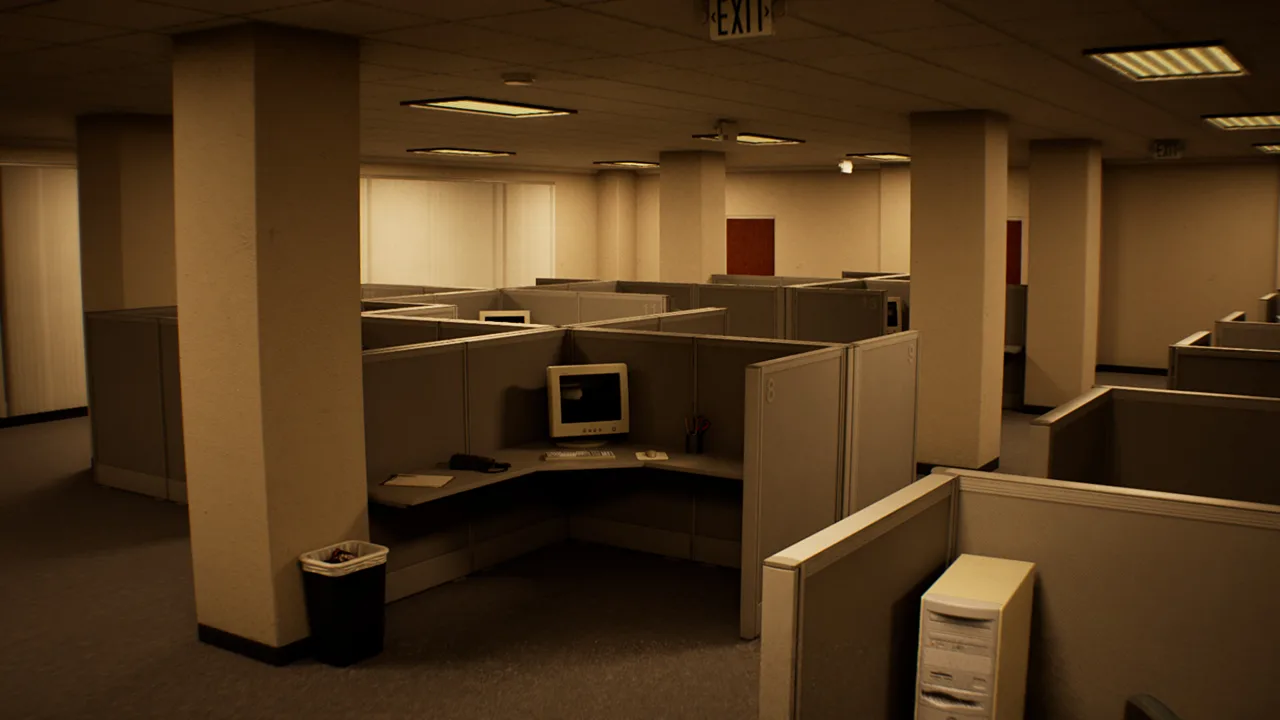
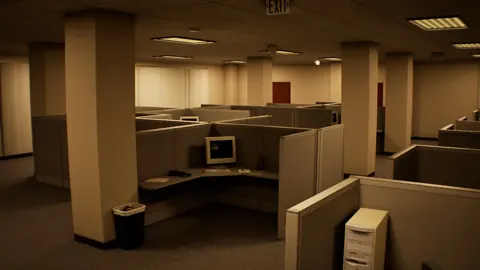
DROWSE begins with a coworker asking Andrew for help. He needs to return to the office, collect documents, make copies, and head home. It is an ordinary errand with recognizable tasks, which gives the evening a clear starting point.
 Image: Steam / MILKY COCO GAMES
The setting is the 1990s, with office equipment and everyday objects woven into both the environment and your interactions. Turning on a computer, making coffee, and finding copier paper ground the opening in routine.
Then disturbances interrupt that routine. A phone rings. An unexpected sound breaks the quiet. A familiar place no longer matches your memory of it. As Andrew continues, understanding where he is becomes increasingly difficult.
| Part of the premise | What it means for the game |
|---|---|
| Andrew’s late-night favor | Returning to the office begins the story |
| A 1990s setting | Everyday objects and office equipment shape the surroundings |
| Grief over Oxmo | Andrew’s relationship with his dog anchors the emotional story |
| Changing familiar spaces | Exploration becomes entangled with distorted memories |
| Documents and personal belongings | Details of Andrew’s life emerge through interaction |
The DROWSE trailer’s focus on moving forward fits this premise. Andrew is already struggling to get through daily life before the office errand begins. When memories intrude on his surroundings, that personal struggle becomes part of the space you have to navigate.
Pay attention to the ordinary tasks. Coffee, paperwork, drawers, and office equipment give you concrete things to interact with while the broader situation grows stranger. Following those immediate objectives keeps your attention on what Andrew came to do, even as the night takes him elsewhere.
The premise also gives small environmental changes room to matter. Once you recognize a room or an object, a disturbance has something familiar to disrupt. Look closely at the spaces you pass through and the personal details they contain.
Exploration and Puzzles: What You’ll Actually Do
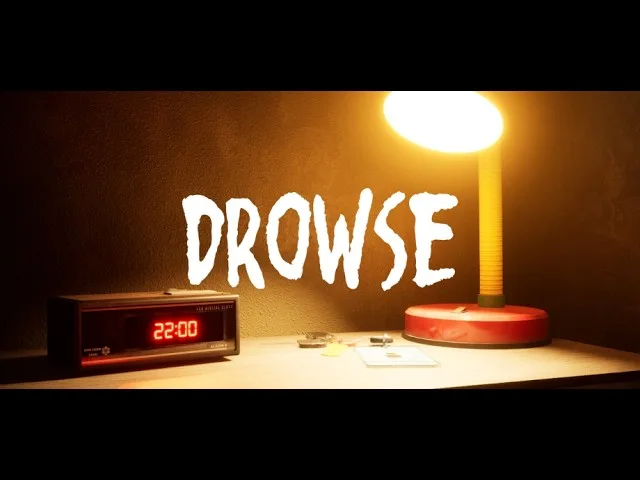
The DROWSE trailer establishes the mood, while the game’s interactions center on exploration, examining objects, and solving environmental puzzles. You search drawers, inspect belongings, read notes, listen to recordings, decipher codes, and use discovered items to open the way forward.
The story and puzzle design share many of the same objects. A photograph contributes to Andrew’s personal history; a document or recorded message can also give you information to work with. Give these discoveries time instead of rushing past the text to reach the next room.
| Interaction | What it contributes | Practical tip |
|---|---|---|
| Searching drawers | Access to objects and belongings | Open drawers and inspect their contents carefully |
| Reading notes and documents | Clues and fragments of Andrew’s life | Read the full text before moving on |
| Listening to recorded messages | Spoken information and story details | Listen through the message for useful context |
| Examining photographs and belongings | Details about Andrew’s memories | Inspect personal items alongside functional objects |
| Working out codes and using items | Environmental puzzle progression | Connect written or recorded clues with the obstacle in front of you |
Keep Your Attention on the Current Objective
Start with the task Andrew has been given. Collecting documents and finding supplies provide a concrete reason to search the office, and searching brings you into contact with the game’s clues.
When you encounter a code or blocked route, examine nearby objects and review the information you have found. The game explicitly connects clues, codes, and usable items, so give those interactions priority when deciding what to investigate next.
Use the story details, too. Read personal notes with the same care you give instructions. DROWSE reveals Andrew’s life through the environment, and understanding that life is part of following the nightmare as it unfolds.
Read Beeper Messages Carefully
The beeper is another interaction worth your attention. Version 1.02 makes the beeper inside a drawer easier to interact with and adds a message explaining the medical key and the upstairs operating room in the animal hospital.
Read that message before searching the hospital without direction. Its purpose is to provide information about those locations and objects, making it a useful part of following the objective.
The same update improves the clarity of the hospital’s medication message. Read the wording carefully when you reach that section, particularly if you are returning after playing an earlier version.
DROWSE Release Date and Early Updates
DROWSE released on October 8, 2026, for Windows PC through Steam. MILKY COCO GAMES develops and publishes the game, which is the studio’s first released title.
 Image: Steam / MILKY COCO GAMES
The launch announcement included a 10% discount during launch week. You can buy DROWSE on Steam and check the current purchase price before downloading.
If the DROWSE trailer brought you here after release, the early updates are useful context. Versions 1.01 and 1.02 address progression problems, interaction difficulties, audio behavior, and unclear messages.
| Update | Main changes | Why it matters during play |
|---|---|---|
| Version 1.01 | Fixes an apartment progression issue after the phone call | Addresses a problem that could leave players unable to continue |
| Version 1.01 | Fixes looping item audio and several environment details | Cleans up audio and map problems |
| Version 1.02 | Improves beeper and medication interactions | Makes those objects easier to interact with |
| Version 1.02 | Clarifies office and animal hospital messages | Provides clearer information during objectives |
| Version 1.02 | Raises the hospital spinning wheel’s winning chance to 20% | Replaces the earlier 10% chance |
| Version 1.02 | Adds Malay localization | Expands language options |
Install the latest available update before starting. The apartment fix is especially relevant because it addresses an obstacle to progression near the phone-call sequence.
Version 1.02 also adjusts a barrier in the animal hospital to improve access to the upstairs area. Alongside the additional beeper message, that change makes the hospital’s navigation and objective information more straightforward.
Audio fixes cover music fading after Dr. Harris’ dialogue and after taking pills when reloading a save. These are specific corrections to those sequences, alongside the broader interaction improvements.
The Limited Rizmo Beeper Skin
A launch-period promotion adds the Rizmo beeper skin through the code LC-RIZMO-LIMITED. Its redemption window runs from October 10 through October 17, 2026.
Redeem the code in-game during that period to unlock the skin. Keep the dates in mind if you plan to play during launch week and want the additional cosmetic.
PC Requirements, Controls, and Comfort Options
Before downloading after watching the DROWSE trailer, compare your system with the Windows PC requirements. The minimum specifications call for 8 GB of RAM and a GTX 1060 or RX 580, while the recommended specifications move to 16 GB of RAM and an RTX 2060 or RX 6600.
| Component | Minimum | Recommended |
|---|---|---|
| Operating system | Windows 10, 64-bit | Windows 10/11, 64-bit |
| Processor | Intel Core i5-8400 / AMD Ryzen 5 2600 | Intel Core i7-9700K / AMD Ryzen 5 3600 |
| Memory | 8 GB RAM | 16 GB RAM |
| Graphics | NVIDIA GTX 1060 / AMD RX 580 | NVIDIA RTX 2060 / AMD RX 6600 |
| DirectX | Version 12 | Version 12 |
| Available storage | 20 GB | 30 GB |
Both specification tiers require a 64-bit processor and operating system. Check your available storage as well as your graphics card; the recommended storage figure is 30 GB.
DROWSE is single-player and includes full controller support, Steam achievements, and Steam Cloud. Its comfort and accessibility features include adjustable text size, subtitle options, camera comfort, and custom volume controls.
Before settling into the opening, take a moment to adjust the options:
- Increase text size if reading documents feels uncomfortable.
- Enable your preferred subtitles for dialogue.
- Adjust volume levels so spoken messages remain easy to follow.
- Review camera comfort settings before exploring.
- Use a controller if that is your preferred way to play.
English has full audio support. The game also supports French, Italian, German, Spanish from Spain, Japanese, Brazilian Portuguese, Simplified Chinese, and Ukrainian, with Malay added in version 1.02.
These settings matter in a game that asks you to read, listen, and examine your surroundings. Make those interactions comfortable before the office routine begins to unravel.
FAQ
What is the DROWSE trailer about?
The trailer introduces a tense conversation about Mr. Collins’ condition, medication, and difficulty moving forward. That emotional pressure connects with the game’s story of grief, loneliness, and memories disrupting familiar places.
Is DROWSE already available?
Yes. DROWSE released on October 8, 2026, for Windows PC through Steam. MILKY COCO GAMES is both the developer and publisher.
What kind of gameplay does DROWSE have?
DROWSE combines first-person exploration with environmental puzzles. You examine objects, search drawers, read documents, listen to recorded messages, solve codes, and use items to open routes forward.
Does DROWSE support controllers and accessibility options?
Yes. DROWSE includes full controller support, adjustable text size, subtitle options, camera comfort settings, and custom volume controls. It also supports Steam Cloud and Steam achievements.
Continue with
 DROWSE Editions: Steam Release, Features, and ExtrasExplore DROWSE editions, Steam launch details, PC requirements, accessibility features, updates, and the limited Rizmo skin before starting Andrew's story.
More in Release
See all Release
Popular pages
DROWSE Beginner Guide: Puzzle Tips for Your First Run
Use this DROWSE beginner guide to explore the office, solve environmental puzzles, understand patch fixes, and prepare for Andrew's unsettling night ahead.
DROWSE Crossplay: Single-Player and Platform Details
DROWSE crossplay explained: explore its single-player format, Windows PC requirements, controller support, and Steam features before starting the story.
DROWSE Andrew: His Story, Oxmo, and the Office Horror
Explore DROWSE Andrew, his bond with Oxmo, and the grief behind his late-night office nightmare. Get character insights and practical tips for the journey.

DROWSE Coworker Documents: Office Task and Item Guide
Explore DROWSE coworker documents, the late-night copying task, office exploration tips, and version 1.02 changes to help you navigate Andrew's nightmare.
Join the community
Official channels for news, updates and player help: