
DROWSE PC Requirements: Minimum and Recommended Specs
Check DROWSE pc requirements for minimum and recommended specs, Windows support, RAM, graphics, and storage, plus practical help with startup crashes.
Jump to
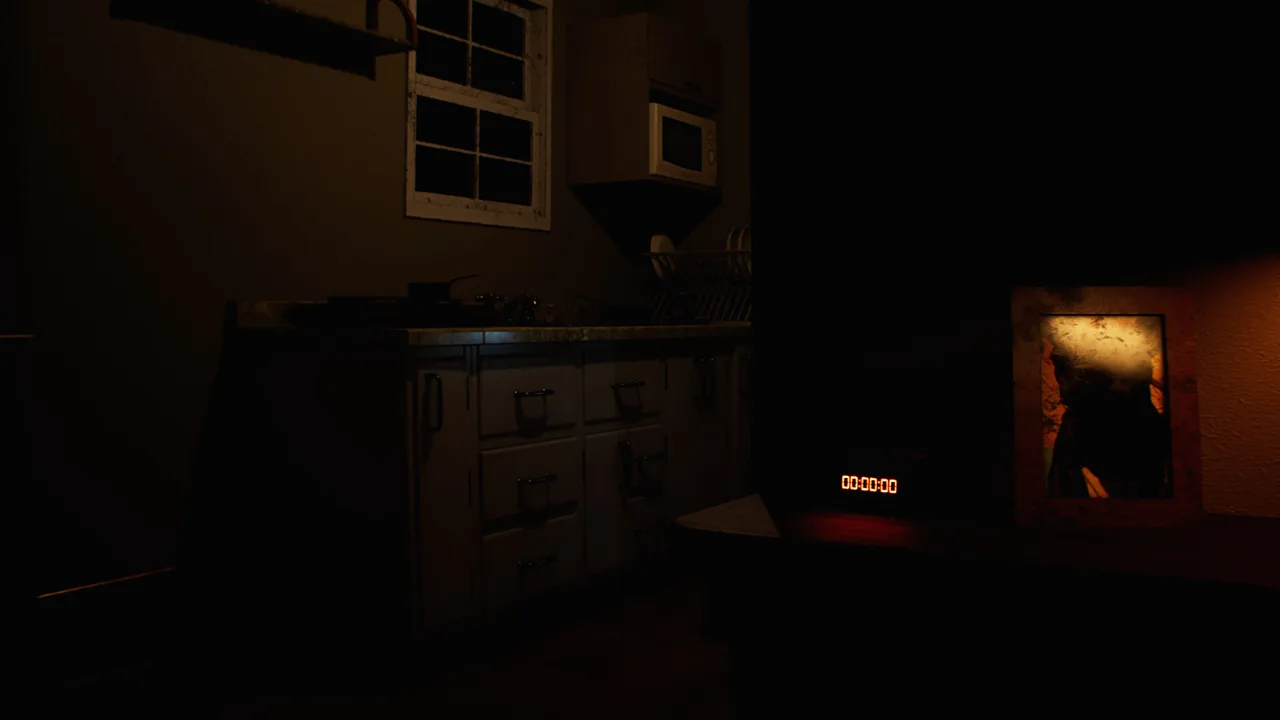
DROWSE PC Requirements at a Glance
Before Andrew’s late-night office errand turns into a nightmare, check the DROWSE pc requirements against your computer. The minimum configuration includes 8 GB of RAM, a GTX 1060 or RX 580, and a 64-bit Windows installation, so checking your hardware helps you spot compatibility gaps before downloading. The recommended DROWSE pc requirements raise that baseline to 16 GB of RAM and an RTX 2060 or RX 6600.
DROWSE is a first-person psychological horror game from MILKY COCO GAMES, released on October 8, 2026. You play as Andrew, whose return to the office for a few photocopies becomes tangled with grief, unsettling memories, and the loss of his dog, Oxmo.
Here is the complete hardware comparison:
| Component | Minimum requirements | Recommended requirements |
|---|---|---|
| Operating system | Windows 10, 64-bit | Windows 10 or Windows 11, 64-bit |
| Processor | Intel Core i5-8400 or AMD Ryzen 5 2600 | Intel Core i7-9700K or AMD Ryzen 5 3600 |
| Memory | 8 GB RAM | 16 GB RAM |
| Graphics card | NVIDIA GTX 1060 or AMD RX 580 | NVIDIA RTX 2060 or AMD RX 6600 |
| DirectX | Version 12 | Version 12 |
| Available storage | 20 GB | 30 GB |
| Architecture | 64-bit processor and operating system | 64-bit processor and operating system |
Read each row separately. A computer with enough memory can still fall short on graphics hardware, and a suitable graphics card does not make up for an incompatible operating system.
The DROWSE pc requirements give you two configurations to compare against your own machine. Use the minimum column to check the entry configuration, then compare the recommended column if you are planning an upgrade or choosing between computers. Keep resolution, graphics settings, and frame-rate expectations separate from those hardware figures; the table is a component checklist, not a benchmark.
Compare Your Processor, Graphics Card, and RAM
Start with the exact model names of your CPU and GPU. “Intel Core i5” or “NVIDIA graphics” leaves out the information you need: DROWSE names specific processors and graphics cards, including their model numbers.
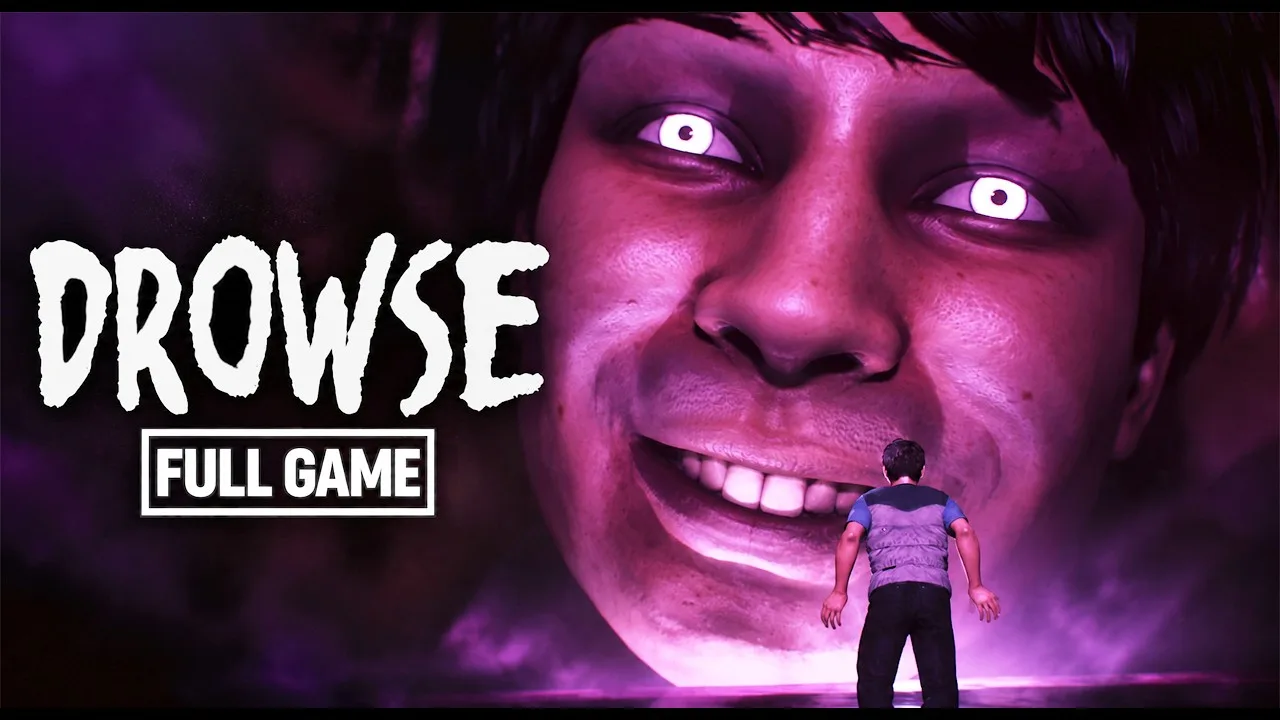
For the processor, the minimum options are the Intel Core i5-8400 and AMD Ryzen 5 2600. The recommended options are the Intel Core i7-9700K and AMD Ryzen 5 3600. For graphics, the minimum pair is the NVIDIA GTX 1060 and AMD RX 580, while the recommended pair is the NVIDIA RTX 2060 and AMD RX 6600.
Read a mixed configuration component by component
Your computer does not have to use parts from only one manufacturer. The requirements list Intel and AMD processor options alongside NVIDIA and AMD graphics options. Compare the processor and graphics card independently.
These examples show how that comparison works without assigning a performance rating:
| Example configuration | CPU comparison | GPU comparison | RAM comparison |
|---|---|---|---|
| Core i5-8400, GTX 1060, 8 GB RAM | Matches a minimum CPU option | Matches a minimum GPU option | Matches minimum memory |
| Ryzen 5 2600, RX 580, 16 GB RAM | Matches a minimum CPU option | Matches a minimum GPU option | Matches recommended memory |
| Core i7-9700K, RX 6600, 16 GB RAM | Matches a recommended CPU option | Matches a recommended GPU option | Matches recommended memory |
| Ryzen 5 3600, RTX 2060, 8 GB RAM | Matches a recommended CPU option | Matches a recommended GPU option | Matches minimum memory |
The second example has recommended memory but minimum processor and graphics options. The fourth reverses that situation: its CPU and GPU match recommended options, while its memory matches the minimum.
That distinction matters when reading the DROWSE pc requirements. Check the whole configuration before describing a machine as meeting the recommended specification.
Keep RAM and graphics memory separate
DROWSE calls for 8 GB of system RAM at minimum and recommends 16 GB. Compare those figures with your computer’s installed system memory. Memory associated with a graphics card is a separate part of the hardware comparison.
If you are reviewing an unfamiliar computer, write down these details together:
- Full processor model.
- Full graphics card model.
- Installed system RAM.
- Windows version and whether the installation is 64-bit.
- Available space on the intended installation drive.
For a laptop, pay particular attention to the full graphics model. Compare its actual hardware with the named requirements rather than relying on the laptop’s product name or a general “gaming” label. Keep the exact model information handy if you later need help with a technical issue.
Windows Support, DirectX, and Controller Features
DROWSE supports Windows. Its minimum operating-system requirement is Windows 10 64-bit, and its recommended configuration includes Windows 10 or Windows 11 64-bit. Both configurations require a 64-bit processor and operating system.
The Windows version and architecture belong on the same checklist as your CPU, GPU, and RAM. Check both before focusing on a hardware upgrade: changing a graphics card does not address the operating-system requirement.
| Platform or feature | DROWSE support |
|---|---|
| Windows | Supported |
| macOS | No native version |
| Linux | No native version |
| DirectX | Version 12 required |
| Controllers | Full controller support |
| Text readability | Adjustable text size |
| Camera accessibility | Camera Comfort feature |
| Audio accessibility | Custom volume controls and stereo sound |
| Dialogue readability | Subtitle options |
DirectX 12 appears in both tiers of the DROWSE pc requirements. Keep it in your compatibility check alongside the graphics card model; checking only one of those items leaves the comparison incomplete.
Consider how you will play
Full controller support gives you another input option for exploring Andrew’s office, examining belongings, and working through environmental puzzles. Controller support sits alongside the hardware requirements, so choosing that input method still leaves the same CPU, graphics, memory, and Windows checks to complete.
The accessibility features are also useful to review before settling into the story. Adjust text size for documents and messages, explore the camera comfort options, and use subtitle and volume controls to suit your setup.
DROWSE builds its story through notes, photographs, recorded messages, and interactions with everyday objects. Set text and audio options so you can comfortably follow those details. The clues you examine are part of the experience, from quiet office routines to the memories that gradually interrupt them.
Storage Requirements and Preparing Your Installation
DROWSE requires 20 GB of available storage at minimum and recommends 30 GB. Those are free-space figures for installation planning, so compare them with available space on the drive where you intend to install the game.
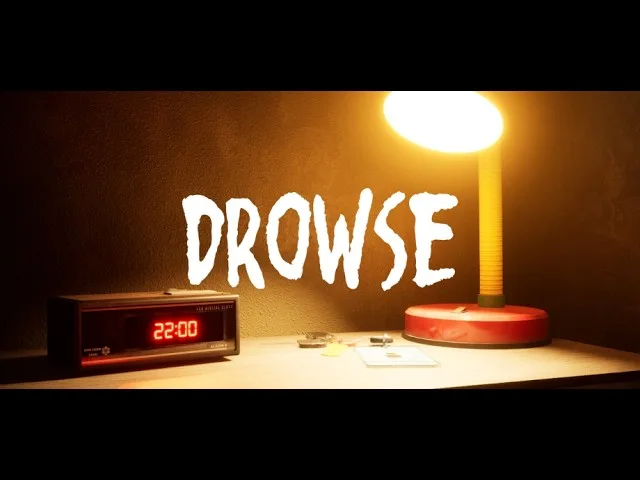
A drive’s total capacity is a different number. A large drive can still have insufficient room when other games and files occupy it. Check free space on the intended destination before starting the download.
The recommended storage figure is 10 GB higher than the minimum. If you are preparing an installation around the recommended configuration, use 30 GB as the storage target alongside its processor, graphics, and memory requirements.
Keep the installation checklist practical
Work through the DROWSE pc requirements before buying hardware or moving files:
- Match your Windows version and 64-bit architecture.
- Compare your processor with the named CPU options.
- Compare your graphics card with the named GPU options.
- Check installed system RAM.
- Check available space on the installation drive.
- Include DirectX 12 in the compatibility review.
Write down any mismatch so you can address the specific component involved. Avoid treating one stronger part as a substitute for every other requirement.
When you are ready to install, use the DROWSE Steam page to purchase and download the game. Keep the game updated, particularly if you started playing around launch: early patches addressed progression, interactions, and audio issues.
Updating and checking hardware serve different purposes. The hardware comparison helps you assess your setup; patches address changes to the game itself. Keep both in mind if something interrupts your playthrough.
Startup Crashes and Early Patch Fixes
If DROWSE opens to a black screen, begins loading, and then closes to the desktop, gather crash information for developer support. That startup sequence has prompted a request from MILKY COCO GAMES for crash reports.
Check this Windows folder:
%localappdata%\Drowse\Saved\Crashes
Send the crash-report ZIP privately by email to contact@milkycocogames.com. If the path does not exist or the folder is empty, tell the developer that in your message.
Include your processor, graphics card, RAM, and Windows details when describing the problem. Explain when the crash happens and list troubleshooting you have already attempted. Keep the report focused on the behavior you encountered.
Separate startup failure from gameplay problems
A crash before reaching the game is different from getting stuck during an objective. Early updates addressed several problems inside the playable environments:
| Version | Changes relevant to troubleshooting |
|---|---|
| 1.01 | Fixed an apartment progression block after the phone call, looping item audio, and several text and environment issues |
| 1.02 | Improved interactions with the beeper and pills, corrected music fade-outs, and clarified several objective messages |
Version 1.01 addressed an apartment issue that could stop progress after the phone call. Version 1.02 adjusted interactions and messages in addition to audio fixes. Match your problem to the behavior involved when explaining it to support.
Reinstalling the game, verifying files, and running it as an administrator did not resolve the startup failure described in the support discussion. Avoid repeating the same unsuccessful actions indefinitely; collect the requested crash information and describe the result of each action you already tried.
The DROWSE pc requirements remain useful during troubleshooting because they organize the basic setup information. Pair that checklist with the exact failure point and crash files when contacting the developer.
FAQ
What are the minimum DROWSE pc requirements?
You need a 64-bit processor, Windows 10 64-bit, an Intel Core i5-8400 or AMD Ryzen 5 2600, 8 GB RAM, and an NVIDIA GTX 1060 or AMD RX 580. DirectX 12 and 20 GB of available storage are also required.
What hardware does DROWSE recommend?
The recommended DROWSE pc requirements are Windows 10 or Windows 11 64-bit, an Intel Core i7-9700K or AMD Ryzen 5 3600, 16 GB RAM, and an NVIDIA RTX 2060 or AMD RX 6600. You also need DirectX 12 and 30 GB of available storage.
Can you play DROWSE on Mac or Linux?
DROWSE has a native Windows version. There are no native macOS or Linux versions. Its Windows requirements call for a 64-bit processor and operating system, with Windows 10 at minimum and Windows 10 or Windows 11 recommended.
What should you send the developer if DROWSE crashes on startup?
Check %localappdata%\Drowse\Saved\Crashes for crash reports and email the crash-report ZIP privately to contact@milkycocogames.com. Describe when the crash occurs and include your hardware details. If the folder is missing or empty, mention that in your message.
Continue with
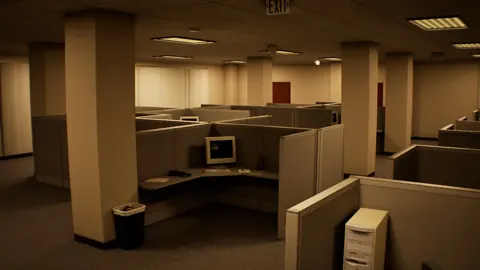 DROWSE Steam Guide: PC Specs, Updates, and Launch TipsExplore DROWSE Steam requirements, controller support, launch updates, and crash-report steps. Get ready for Andrew's unsettling return to the office.
More in Platforms
See all Platforms
Popular pages

DROWSE Beginner Guide: Puzzle Tips for Your First Run
Use this DROWSE beginner guide to explore the office, solve environmental puzzles, understand patch fixes, and prepare for Andrew's unsettling night ahead.
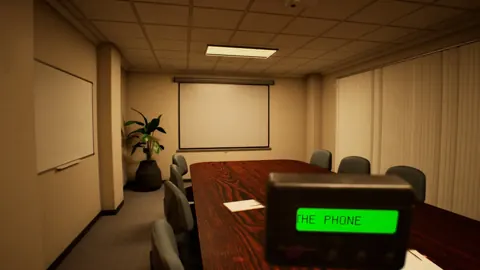
DROWSE Release Date: Launch, PC Specs, and Updates
DROWSE release date was October 8, 2026. Explore its Windows PC launch, system requirements, early patches, and limited-time rewards before you start.
DROWSE Editions: Steam Release, Features, and Extras
Explore DROWSE editions, Steam launch details, PC requirements, accessibility features, updates, and the limited Rizmo skin before starting Andrew's story.
DROWSE Andrew: His Story, Oxmo, and the Office Horror
Explore DROWSE Andrew, his bond with Oxmo, and the grief behind his late-night office nightmare. Get character insights and practical tips for the journey.
Join the community
Official channels for news, updates and player help: