
DROWSE Controller Support: A Guide to Playing on PC
DROWSE controller support lets you explore its unsettling offices with a gamepad. Learn about PC requirements, comfort features, and interaction updates.
Jump to
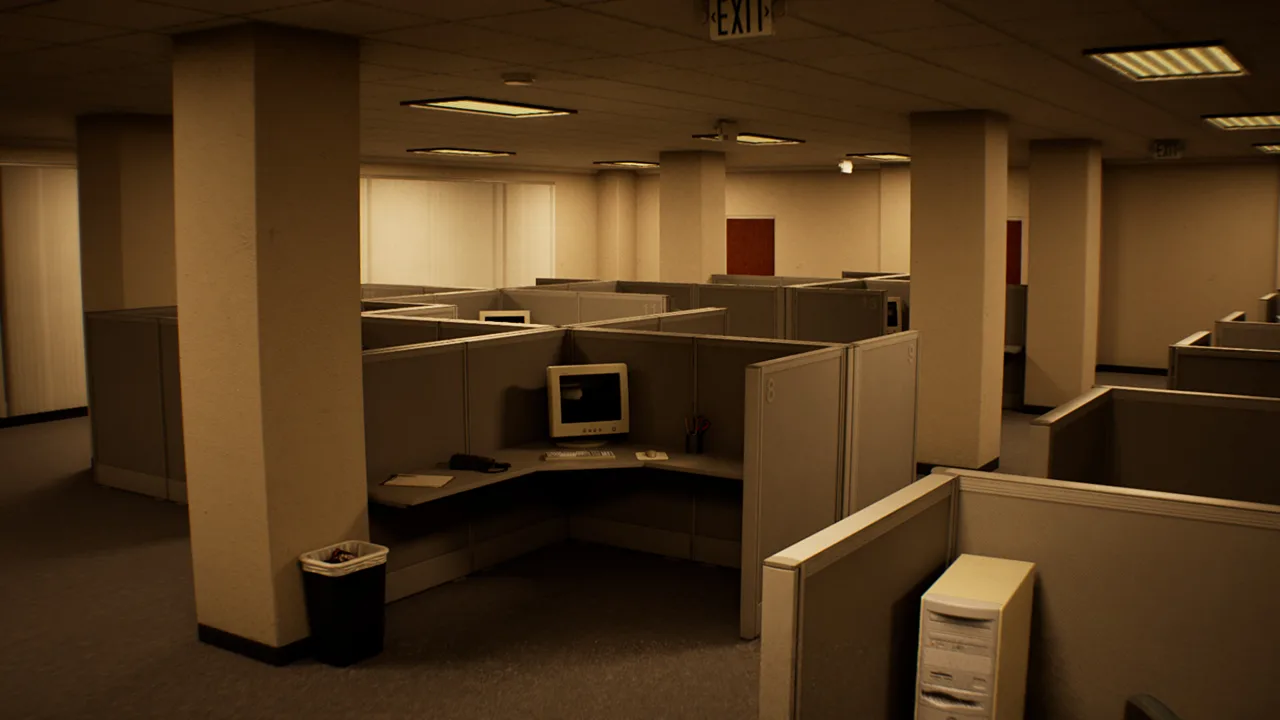
Does DROWSE Have Controller Support?
DROWSE controller support lets you take Andrew’s unsettling late-night trip back to the office with a gamepad in hand. The game has full controller support on Windows PC, giving you a controller option for an experience centered on exploration, object inspection, and environmental puzzles. DROWSE controller support matters because much of your time involves looking closely at familiar surroundings as an ordinary workplace favor becomes something far more personal.
Developed and published by MILKY COCO GAMES, DROWSE launched on October 8, 2026. It’s a single-player psychological horror game set in the 1990s, with a story built around Andrew and the loss of his dog, Oxmo.
Your initial assignment sounds straightforward: return to the office, collect a coworker’s documents, make photocopies, and head home. The trouble begins as recognizable rooms change and memories interrupt the routine.
| Feature | DROWSE on PC |
|---|---|
| Controller support | Full controller support |
| Supported operating system platform | Windows |
| Player mode | Single-player |
| Gameplay perspective | First-person |
| Core activities | Exploration, object inspection, and environmental puzzles |
| Release date | October 8, 2026 |
The controller option fits a game in which opening a drawer or inspecting a personal belonging can matter as much as moving into another room. Your attention belongs on the environment: the paperwork, the equipment, the phone, and the details that gradually make the office feel unfamiliar.
If you’re deciding whether to pick it up for controller play, you can buy DROWSE on Steam. Before settling in, check your PC specifications and consider the display you’ll use. Reading documents and examining small objects are central parts of the experience, so visibility deserves as much attention as your preferred input device.
Playing With a Gamepad: Focus on the Details
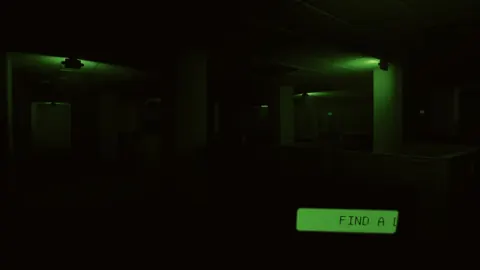
DROWSE controller support gives you a way to navigate its first-person world, but the important part is what you notice along the way. Andrew’s story unfolds through documents, photographs, recorded messages, personal belongings, and encounters. Environmental puzzles also ask you to find clues, work out codes, and use discovered items to open the way forward.
 Image: Steam / MILKY COCO GAMES
Give those objects your attention. A room can contain both a practical obstacle and a fragment of Andrew’s life, and rushing through the practical part can pull your focus away from the story.
Inspect Before Moving On
Open drawers and examine the belongings you find. Read notes carefully, particularly when you’re trying to understand a code or an item’s purpose. Listen to recorded messages rather than relying only on what you can see.
The office setting makes ordinary objects part of the horror. Computers, coffee, copier paper, and familiar rooms establish a routine that becomes increasingly uneasy. Pay attention to changes in those surroundings as you explore.
| Activity | What it contributes | Tip for your playthrough |
|---|---|---|
| Searching drawers | Access to objects and clues | Look through drawers while exploring familiar rooms. |
| Examining belongings | Fragments of Andrew’s personal life | Give personal objects the same attention as puzzle items. |
| Reading documents | Story details and clues | Read the wording carefully before working out a code. |
| Listening to recordings | Messages and pieces of the narrative | Follow the dialogue alongside your visual exploration. |
| Using discovered items | A way through environmental obstacles | Consider the items you’ve found when examining a blocked route. |
Keep the Story and Puzzles Together
Andrew’s grief is central to DROWSE. The connection between him and Oxmo gives the changing environments a personal context, while photographs and words left by others reveal pieces of his life.
Read for meaning as well as instructions. A document can contribute to your understanding of Andrew even when your immediate goal is to solve a puzzle.
For DROWSE controller support, that close inspection is the useful thing to keep in mind: the gamepad is your input choice, while careful observation remains the task. Approach unfamiliar objects deliberately, and give yourself time to understand what a room is showing you before moving farther into the night.
Comfort Features for Reading and Exploring
DROWSE includes adjustable text size, camera comfort, custom volume controls, stereo sound, and subtitle options. These features matter in a first-person horror game that delivers its story through both written material and audio.
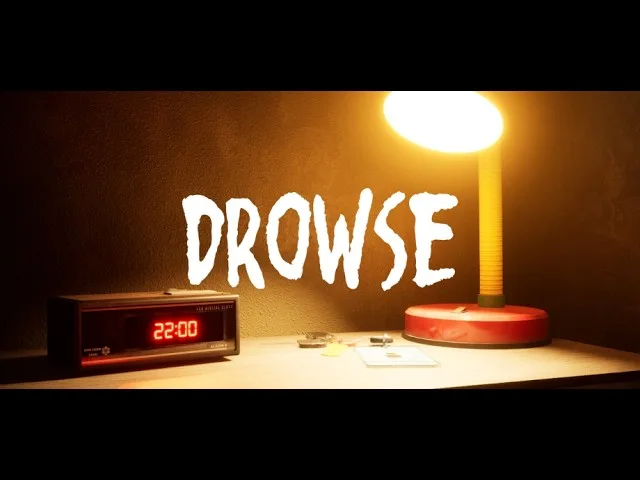
DROWSE controller support is one part of preparing your setup. The other is making sure you can comfortably follow the clues and messages that carry Andrew’s story.
If you play farther from your screen, use adjustable text size to help with reading. Notes and documents are part of the experience, so choose a viewing position that lets you examine them without straining.
| Feature | Connection to gameplay | Preparation tip |
|---|---|---|
| Adjustable text size | Written clues and story material | Adjust text size for your display and viewing distance. |
| Camera comfort | First-person exploration | Review the camera comfort options before a longer session. |
| Custom volume controls | Dialogue, recordings, music, and environmental audio | Adjust the available volume controls so you can follow spoken information. |
| Subtitle options | Following spoken content | Review subtitle options before starting your playthrough. |
| Stereo sound | The game’s audio presentation | Keep audio audible as you explore and listen to messages. |
Audio deserves particular attention. Ringing phones, unexpected sounds, and recorded messages all belong to DROWSE’s unsettling office setting. Some sounds contribute to the atmosphere; others are part of how the story reaches you.
Use the available volume controls to make listening comfortable. Follow recorded messages closely, and review subtitle options if you prefer reading alongside spoken content.
The game supports English with full audio. Its language selection also includes French, Italian, German, Spanish from Spain, Japanese, Brazilian Portuguese, Simplified Chinese, and Ukrainian. Version 1.02 added Malay localization.
Choose a language you can comfortably read for extended stretches. Because documents and messages are woven into both exploration and storytelling, understanding their wording helps you stay connected to the scene.
Review these options before diving deeply into the office. Preparing your display and audio gives you room to concentrate on Andrew’s surroundings once the routine starts to unravel.
PC Requirements for Your Controller Playthrough
DROWSE controller support doesn’t replace the need for a capable Windows PC. The game requires a 64-bit processor and operating system, with DirectX 12 included in both its minimum and recommended specifications.
 Image: Steam / MILKY COCO GAMES
Check your machine against the requirements before purchasing or installing. Pay particular attention to the graphics card, memory, and available storage.
| Component | Minimum requirements | Recommended requirements |
|---|---|---|
| Operating system | Windows 10 64-bit | Windows 10/11 64-bit |
| Processor | Intel Core i5-8400 / AMD Ryzen 5 2600 | Intel Core i7-9700K / AMD Ryzen 5 3600 |
| Memory | 8 GB RAM | 16 GB RAM |
| Graphics | NVIDIA GTX 1060 / AMD RX 580 | NVIDIA RTX 2060 / AMD RX 6600 |
| DirectX | Version 12 | Version 12 |
| Available storage | 20 GB | 30 GB |
| System architecture | 64-bit processor and operating system | 64-bit processor and operating system |
The recommended specifications call for 16 GB of RAM, compared with the minimum requirement of 8 GB. Storage also differs: the minimum specification calls for 20 GB of available space, while the recommended specification calls for 30 GB.
Use those figures when checking your installation drive. Leave enough available space for the requirement you’re planning around, and compare the named processor and graphics card specifications with your hardware.
Windows is the supported PC platform. Keep that platform requirement in mind alongside controller support when choosing where to play.
Once your hardware is ready, bring the focus back to visibility and listening comfort. DROWSE asks you to inspect belongings, read forgotten notes, and work through environmental puzzles. A setup that lets you follow those details comfortably is useful throughout the game, whether you’re investigating a quiet office or trying to make sense of a changing room.
Updates That Matter During Exploration
Early updates addressed progression problems and made certain object interactions easier. These changes are relevant to a controller playthrough because DROWSE repeatedly asks you to examine the environment and interact with specific objects.
Version 1.01 fixed an apartment issue that could prevent progress after the phone call. It also corrected looping item audio and several smaller environmental problems.
Version 1.02 made the beeper inside a drawer and the pills inside the medicine cabinet easier to interact with. It added clearer information in several places, including a beeper message about the medical key and the upstairs operating room in the animal hospital.
For DROWSE controller support, these are useful gameplay changes to keep in mind when approaching small objects. The interaction improvements apply to those particular objects; the update also addresses messages and environmental access.
Before playing, make sure your installation includes the latest available update. During exploration:
- Read the beeper messages, including information about the medical key and operating room.
- Examine the drawer when interacting with the beeper.
- Approach the medicine cabinet and inspect its contents.
- Follow the revised messages concerning the pills in the animal hospital.
- Listen to dialogue and recordings alongside the written clues.
Version 1.02 also moved a barrier in the animal hospital to make the upstairs area easier to access. Its changes extend beyond object interaction: music now fades out correctly after the relevant Dr. Harris dialogue and after reloading a save following the pill sequence.
If a technical problem interrupts your playthrough, contact MILKY COCO GAMES at contact@milkycocogames.com. Include the game version and a clear description of where the issue happens. For an interaction problem, identify the object and explain what you were trying to do. Those concrete details make your report easier to follow.
FAQ
Does DROWSE controller support include full controller support?
Yes. DROWSE has full controller support on Windows PC. Its gameplay centers on first-person exploration, inspecting objects, reading clues, and solving environmental puzzles.
What PC do I need to play DROWSE?
The minimum requirements include Windows 10 64-bit, an Intel Core i5-8400 or AMD Ryzen 5 2600, 8 GB of RAM, and an NVIDIA GTX 1060 or AMD RX 580. You also need DirectX 12 and 20 GB of available storage. The recommended specifications call for 16 GB of RAM and 30 GB of available storage, alongside stronger processor and graphics hardware.
Does DROWSE have text and camera comfort options?
Yes. DROWSE includes adjustable text size, camera comfort, subtitle options, custom volume controls, and stereo sound. Review these features before playing, especially if you’ll be reading documents from farther away from your screen.
Which update improved object interactions?
Version 1.02 made the beeper inside the drawer and the pills inside the medicine cabinet easier to interact with. It also improved several messages and added information about the medical key and upstairs operating room in the animal hospital.
Continue with
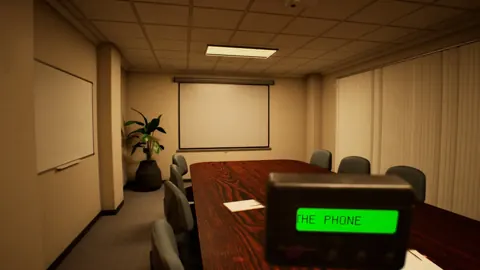 DROWSE Changing Rooms: How Its Shifting Spaces WorkExplore DROWSE changing rooms, learn how shifting spaces connect to Andrew's story, and get practical tips for clues, puzzles, and the latest game fixes.
Popular pages
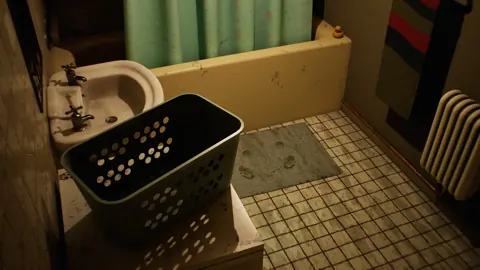
DROWSE Beginner Guide: Puzzle Tips for Your First Run
Use this DROWSE beginner guide to explore the office, solve environmental puzzles, understand patch fixes, and prepare for Andrew's unsettling night ahead.
DROWSE Release Date: Launch, PC Specs, and Updates
DROWSE release date was October 8, 2026. Explore its Windows PC launch, system requirements, early patches, and limited-time rewards before you start.

DROWSE Editions: Steam Release, Features, and Extras
Explore DROWSE editions, Steam launch details, PC requirements, accessibility features, updates, and the limited Rizmo skin before starting Andrew's story.
DROWSE Crossplay: Single-Player and Platform Details
DROWSE crossplay explained: explore its single-player format, Windows PC requirements, controller support, and Steam features before starting the story.
Join the community
Official channels for news, updates and player help: