
DROWSE Tips: Solve Puzzles and Avoid Early Frustration
Use these DROWSE tips to find clues, understand beeper messages, tackle office and hospital puzzles, and avoid early bugs on your first trip into the dark.
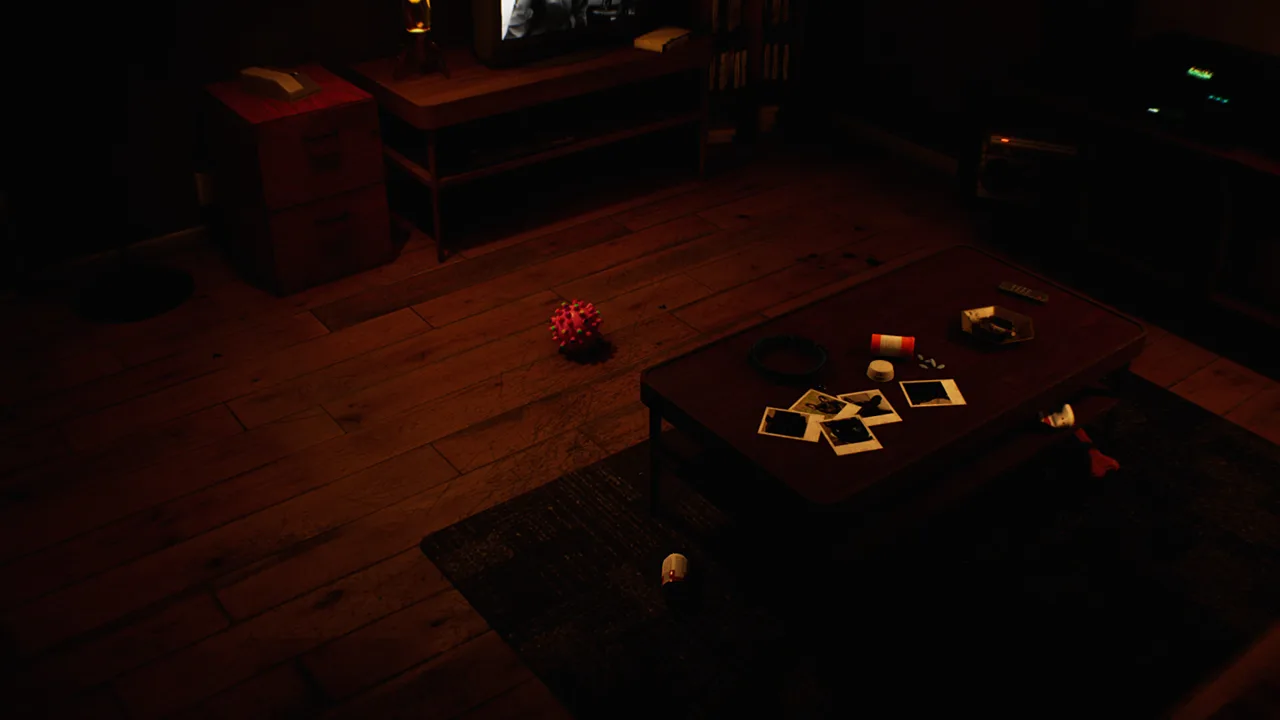
Start With an Updated Game and a Clear Objective
A late-night photocopy run gets much harder when familiar rooms stop looking familiar. These DROWSE tips will help you follow clues and avoid confusing a missed interaction with a technical problem. Start with the DROWSE tips below to make sense of Andrew’s office errands before tackling the puzzles and unsettling memories ahead.
DROWSE is a first-person psychological horror game set in the 1990s. You play as Andrew, who is struggling with the loss of his dog, Oxmo. A coworker’s request brings him back to the office, where picking up documents and making copies becomes the beginning of a deeply personal nightmare.
Before settling into your playthrough, install the available updates through Steam. Versions 1.01 and 1.02 address several problems that matter directly to exploration, including an apartment progression blocker and awkward interactions with small objects.
| Area or interaction | Relevant update | What changed |
|---|---|---|
| Apartment after the phone call | 1.01 | Fixed an issue that could prevent further progress |
| Beeper inside a drawer | 1.02 | Made the beeper easier to interact with |
| Pills inside the medicine cabinet | 1.02 | Made the pills easier to interact with |
| Office TV video | 1.02 | Improved the clarity of its displayed message |
| Animal hospital upstairs access | 1.02 | Moved a barrier to make access easier |
If you become stuck after the apartment phone call, check your installed version before spending more time searching the room. That particular blockage was addressed in 1.01.
Keep your current objective in mind as you explore. When the task involves documents, copying, or office supplies, focus your search on those needs. Write down the unfinished task so that a disturbing sound or sudden environmental change does not pull you away from it completely.
Search the Office With Purpose
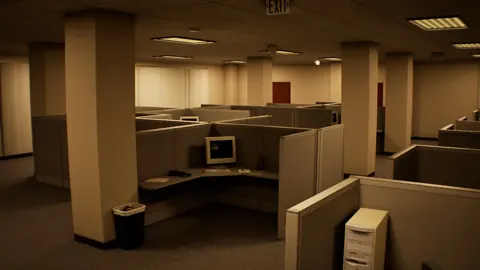
The office introduces DROWSE’s hands-on interactions through ordinary activities: using a computer, making coffee, and finding paper for the copier. Give these routines your attention. They establish the surroundings you will later need to reconsider as the evening becomes stranger.
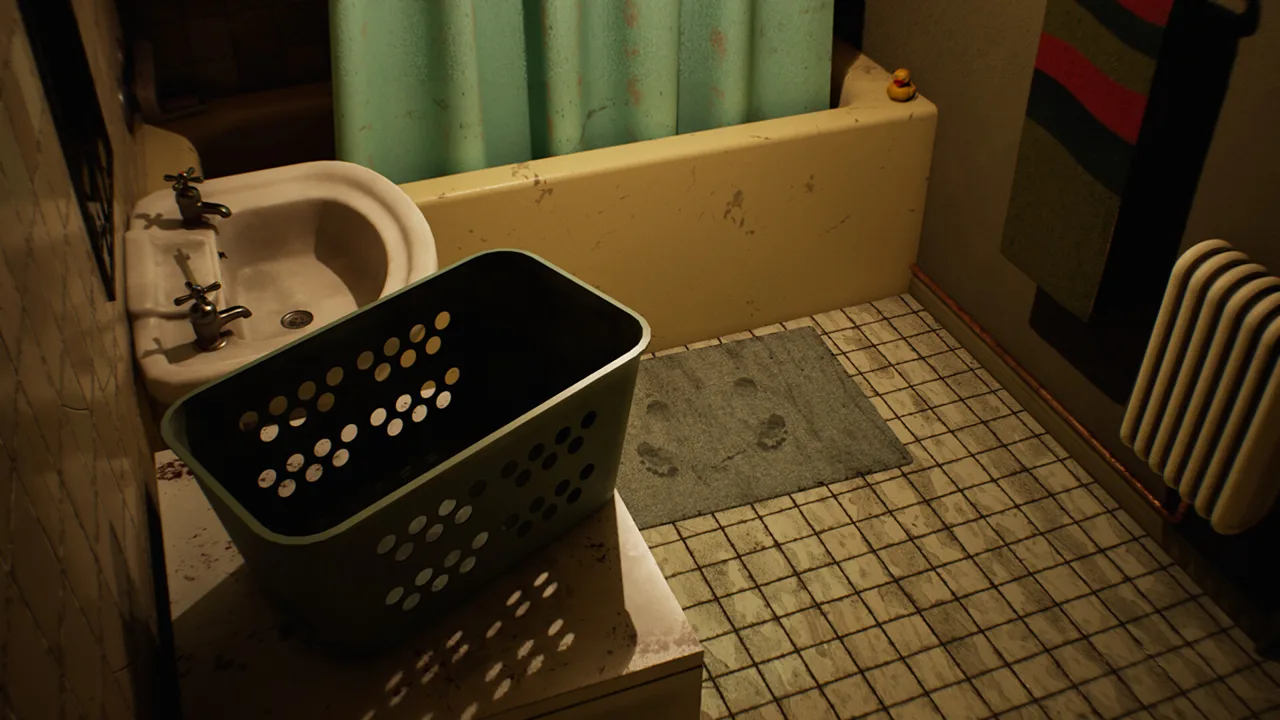 Image: Steam / MILKY COCO GAMES
Explore each accessible room deliberately. Look across desks, inspect belongings, and open drawers before moving on. Searching in a consistent pattern helps you remember which areas you have examined and which still deserve attention.
Among the most useful DROWSE tips is to inspect objects beyond their obvious purpose. A photograph belongs to Andrew’s personal story; a document contains words worth reading. Give each object enough attention to understand what it contributes before returning to your immediate task.
Read the Office TV Message Carefully
Version 1.02 improves the clarity of the message displayed during the office TV video. When you reach it, read the text closely and connect it to your current objective.
If you lose track of what you were doing, return to the instructions you have already encountered. Review their wording before searching every room again. Keep a short note of the task and any relevant clue so you have something concrete to work from.
Avoid turning every unsettling detail into a puzzle solution. DROWSE also uses photographs, personal belongings, and environmental changes to develop Andrew’s story. Consider how a detail relates to the problem in front of you before trying to use it.
Notice What Changes Around You
Familiar spaces change as the game’s unease builds and memories intrude. Pay attention to the room’s appearance during your initial visit, then look again when something feels different.
Use recognizable objects and room features as mental landmarks. When you revisit a space, compare it with what you remember:
- Look for changes around the objects you previously examined.
- Pay attention to ringing phones and unexpected sounds.
- Reconsider accessible areas after a noticeable change.
- Keep the current objective separate from details you want to explore for the story.
These DROWSE tips encourage careful observation without requiring you to memorize every corner of the office.
Connect Documents, Recordings, and Objects to Puzzles
DROWSE’s environmental puzzles involve finding clues, working out codes, and using discovered items to open the way forward. Approach each obstacle by identifying what it asks you to supply, then review the information you have collected.
 Image: Steam / MILKY COCO GAMES
For a code puzzle, preserve the exact wording of relevant notes. For an obstacle involving an object, examine your discoveries and consider their intended uses. Avoid jumping between unrelated guesses before giving the nearby clues a proper reading.
| Clue or object type | What to examine | How to organize your notes |
|---|---|---|
| Written documents | Names, instructions, and relevant details | Record the wording and where you found it |
| Recorded messages | Spoken information and personal context | Summarize the message after listening |
| Photographs | Visible details and connections to Andrew’s life | Note what makes the photograph meaningful |
| Personal belongings | The object itself and its surrounding context | Record where it was located |
| Beeper messages | Information about your current task | Keep the latest relevant message easy to review |
Keep potential solutions organized by obstacle. A short note labeled with the room or object is easier to use than a long, unstructured list of names and details.
The strongest DROWSE tips for puzzles are simple: read carefully, listen fully, and revisit what you already know before expanding your search. An overlooked instruction deserves another look before you start guessing at codes.
Separate a Missing Clue From a Difficult Interaction
When an object is visible but difficult to interact with, slow down and adjust your viewpoint. Focus on the object itself and approach it from a clearer position.
The beeper in a drawer and pills in a medicine cabinet received interaction improvements in 1.02. If either object is giving you trouble, check your installed version as part of troubleshooting.
Keep the object’s surroundings in mind, too. Version 1.01 removed the ability to take pills through the medical cabinet. Open and inspect the cabinet directly when searching its contents.
Give the Story Details Room to Land
Andrew’s grief and his bond with Oxmo sit at the center of DROWSE. Read personal material even when you are primarily looking for a way forward.
Photographs, messages, and belongings reveal fragments of his life. Let those details build on each other as you explore. Rushing from obstacle to obstacle means spending less time with the memories that give the horror its emotional weight.
Use the Animal Hospital’s Messages to Stay Oriented
This section includes light spoilers about animal hospital interactions, including the medical key, pills, and upstairs operating room.
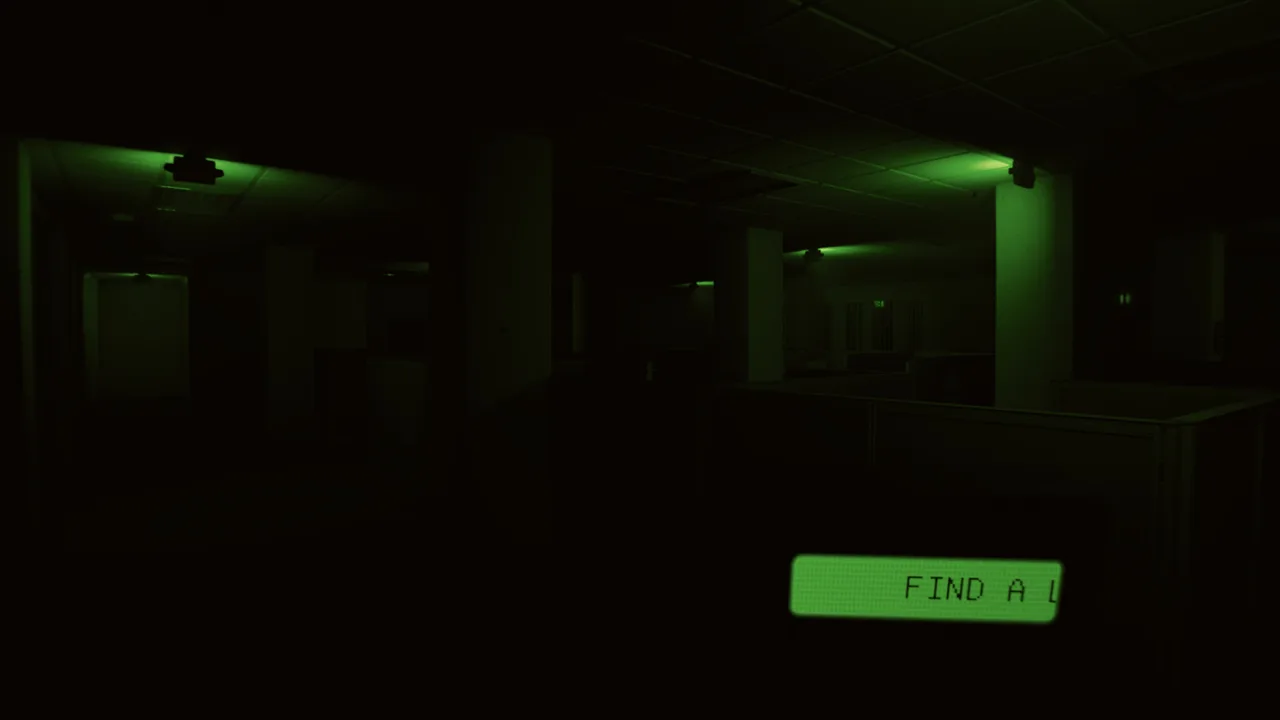 Image: Steam / MILKY COCO GAMES
In version 1.02, a beeper message was added to provide information about the medical key and the upstairs operating room. Check that message when those elements become relevant to your objective, and read it before resuming your search.
The same update clarifies the message concerning pills and moves a barrier to make the upstairs area easier to access. Use the revised instructions to keep your attention on the immediate task.
| Hospital element | Version 1.02 change | Tip |
|---|---|---|
| Medical key and upstairs operating room | Added an informative beeper message | Read the relevant message before searching further |
| Pills | Clarified the associated message | Review its wording before acting |
| Medicine cabinet | Improved pill interaction | Inspect the cabinet and target the pills directly |
| Upstairs area | Moved a barrier to improve access | Examine the route with the updated layout in mind |
| Spinning wheel | Increased winning chance from 10% to 20% | Account for chance when interpreting an unsuccessful spin |
These DROWSE tips are especially useful when the hospital’s layout and several interactions compete for your attention. Work through the information attached to your current objective before investigating something else.
Understand the Spinning Wheel’s Odds
Version 1.02 increases the animal hospital spinning wheel’s winning chance from 10% to 20%. The new chance is twice the previous value, but an individual spin can still lose.
Keep that distinction in mind if an unsuccessful result leaves you wondering whether you misunderstood the interaction. Do not mistake the improved odds for a guaranteed win.
Avoid inventing a pattern from a short run of outcomes. Use the stated chance to set your expectations, and keep your notes focused on actual instructions and clues.
Make Text and Audio Comfortable, Then Check the Cosmetic Code
Reading and listening are central to DROWSE’s exploration. Adjust the presentation before settling in so that documents, subtitles, and recorded messages remain easy to follow.
The Windows version includes adjustable text size, subtitle options, camera comfort features, custom volume controls, stereo sound, and full controller support.
| Feature | Adjustment to make |
|---|---|
| Adjustable text size | Choose a size that keeps written clues comfortable to read |
| Subtitle options | Set subtitles for comfortable reading during dialogue |
| Custom volume controls | Adjust the mix so you can follow recorded messages |
| Camera comfort | Review the available options before extended exploration |
| Full controller support | Choose the supported input method you prefer |
Use DROWSE tips about presentation to support your attention. If text is tiring to read or dialogue is difficult to follow, pause to adjust the relevant settings before continuing with another clue.
For hardware preparation, the Windows minimum requirements include 8 GB RAM, an Intel Core i5-8400 or AMD Ryzen 5 2600, and an NVIDIA GTX 1060 or AMD RX 580. The recommended specifications increase memory to 16 GB RAM, with an Intel Core i7-9700K or AMD Ryzen 5 3600 and an NVIDIA RTX 2060 or AMD RX 6600.
Both configurations require a 64-bit operating system and DirectX 12. Storage requirements are 20 GB minimum and 30 GB recommended. Check your computer against those requirements before downloading DROWSE on Steam.
Redeem the Limited Rizmo Beeper Skin
The Rizmo beeper skin is available through a limited promotion running from October 10 through October 17, 2026. Redeem LC-RIZMO-LIMITED in-game during that period to unlock the skin.
Copy the code exactly, including its hyphens. Put the promotion dates in your reminder if you want the cosmetic while working through the story.
For a persistent technical issue, contact MILKY COCO GAMES at contact@milkycocogames.com. Include your installed version, the location where the issue occurred, and what you were doing immediately beforehand so the problem is easier to identify.
FAQ
Which DROWSE tips should I follow first?
Install available updates, keep your current objective in mind, and search accessible drawers and objects carefully. Read documents and listen to recorded messages before guessing at puzzle solutions.
How do I troubleshoot being stuck in the apartment after the phone call?
Check your installed version. Update 1.01 fixes a progression issue that could leave Andrew stuck in the apartment after the phone call.
What are the animal hospital spinning wheel odds?
Version 1.02 raises the winning chance from 10% to 20%. That doubles the previous chance, but it does not guarantee a winning spin.
What is the Rizmo beeper skin code?
Redeem LC-RIZMO-LIMITED in-game between October 10 and October 17, 2026, to unlock the limited Rizmo beeper skin.
Continue with
 DROWSE Beginner Guide: Puzzle Tips for Your First RunUse this DROWSE beginner guide to explore the office, solve environmental puzzles, understand patch fixes, and prepare for Andrew's unsettling night ahead.
More in Guide

DROWSE Making Photocopies: Office Tasks and Puzzle Tips
DROWSE making photocopies starts with a late-night office favor. Explore document tasks, copier paper, puzzle clues, and fixes to keep Andrew moving ahead.
DROWSE Story Explained: Andrew, Oxmo, and the Office
Explore the DROWSE story, Andrew's bond with Oxmo, and the office nightmare. Learn how to follow clues, interpret memories, and read key story details.
Join the community
Official channels for news, updates and player help: