
DROWSE Changing Rooms: How Its Shifting Spaces Work
Explore DROWSE changing rooms, learn how shifting spaces connect to Andrew's story, and get practical tips for clues, puzzles, and the latest game fixes.
Jump to
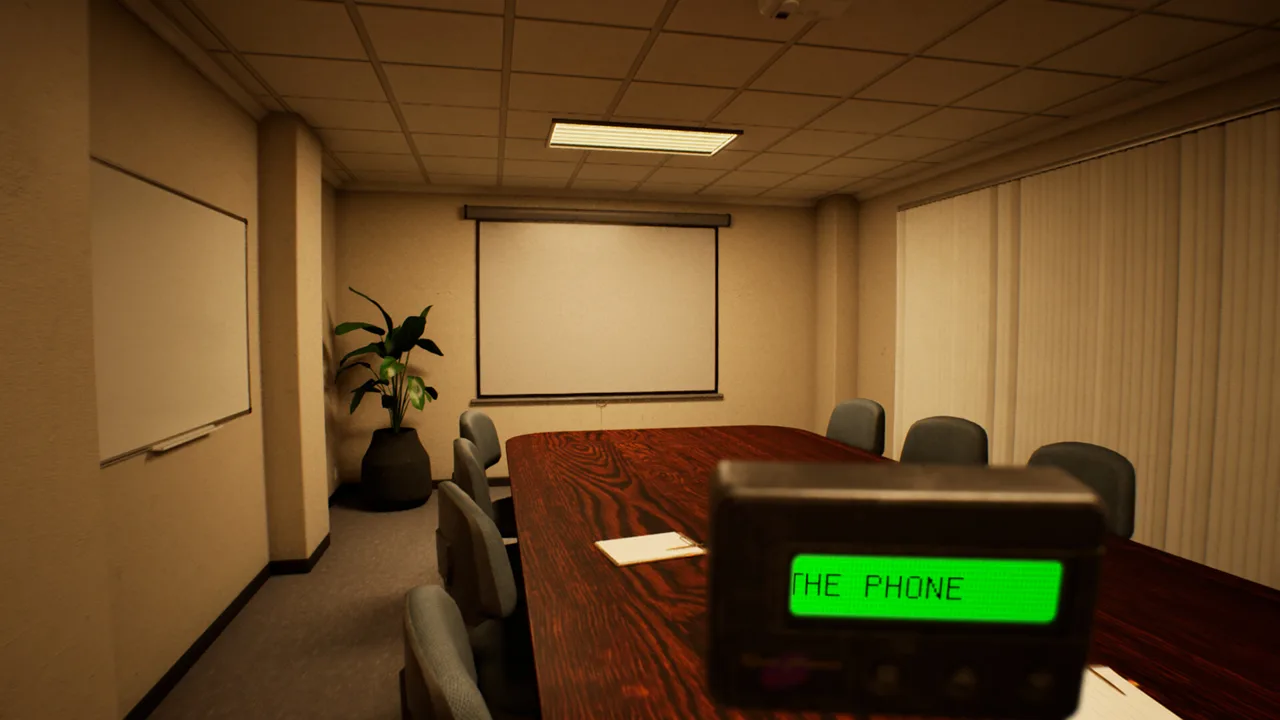
How DROWSE Turns Familiar Rooms Into Horror
You return to the office for a few photocopies, but DROWSE changing rooms turn that ordinary errand into something much harder to understand. Those shifting surroundings matter because exploration, environmental puzzles, and Andrew’s memories all share the same spaces. Understanding DROWSE changing rooms starts with paying attention to familiar objects, personal belongings, and the disturbances that interrupt your routine.
DROWSE is a first-person psychological horror game set in the 1990s. You play as Andrew, who is struggling with the loss of his dog, Oxmo. A coworker’s late-night request sends him back to work, where collecting documents and making copies gradually gives way to a deeply personal nightmare.
The setting makes that transition meaningful. Computers, coffee, drawers, and office equipment give Andrew practical things to do. As familiar surroundings change and memories intrude, those everyday tasks become part of a story about grief and loneliness.
For players interested in DROWSE changing rooms, the central feature is this relationship between recognizable places and distorted memories. Exploring means looking closely at the environment while piecing together the life behind it.
| Feature | What it brings to the experience |
|---|---|
| First-person exploration | You move through Andrew’s surroundings from his perspective |
| Familiar spaces that change | Everyday locations become increasingly unsettling |
| Environmental puzzles | Clues, codes, and discovered objects help open the way forward |
| Hands-on interactions | You examine belongings and search drawers |
| Personal storytelling | Documents, photographs, and recordings reveal Andrew’s life |
Watch the details that make a room recognizable. Read what you find, inspect objects, and listen when the game draws your attention to a sound or message. These actions belong to the same exploration loop, so rushing through the scenery also means rushing past pieces of the story.
The Office Routine Gives You Something to Remember
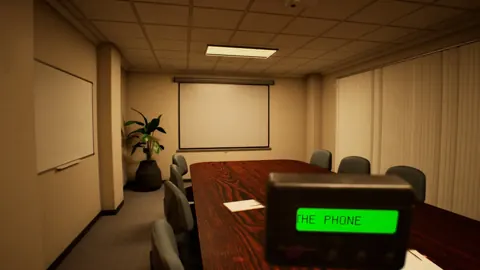
The office introduces DROWSE through ordinary actions. Andrew can turn on his computer, make coffee, and look for copier paper. Quiet rooms and familiar equipment establish a workplace that should be easy to understand.
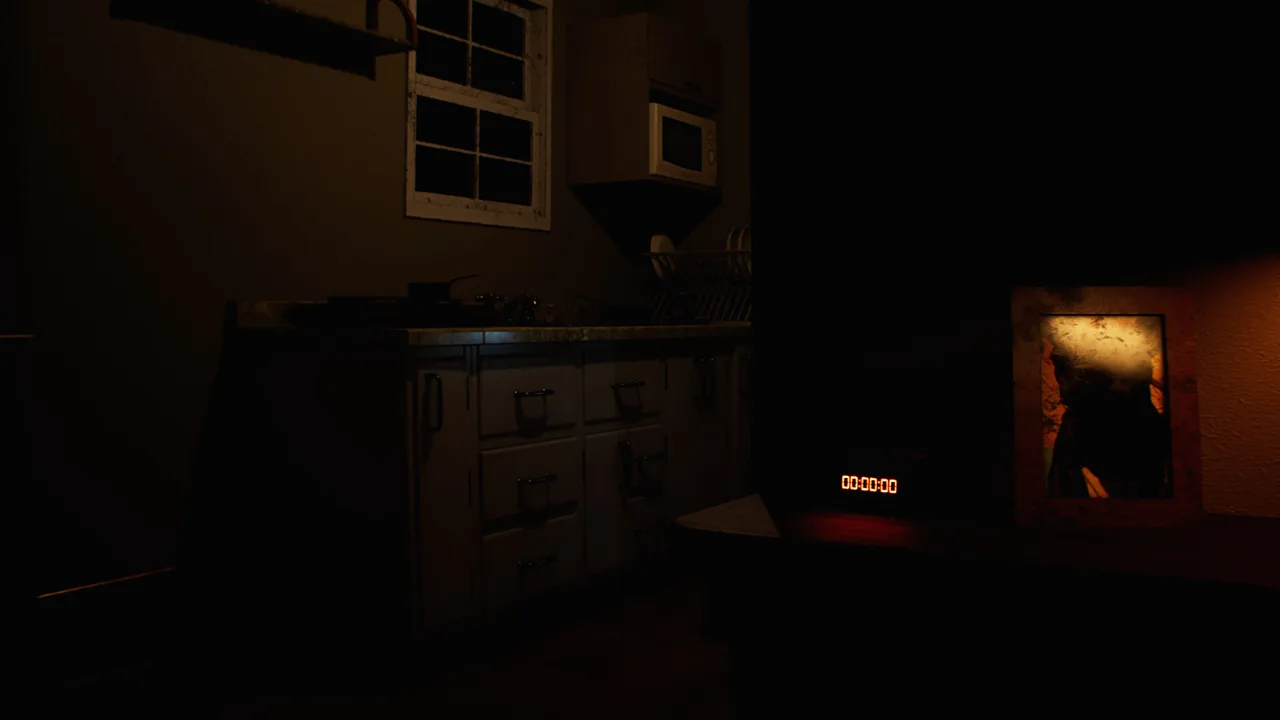 Image: Steam / MILKY COCO GAMES
That familiarity gives the horror a foundation. A ringing phone, an unexpected sound, or something that looks different from how Andrew remembers it can interrupt an otherwise mundane evening. The environment becomes harder to make sense of as the journey continues.
DROWSE changing rooms draw their tension from that growing uncertainty. You begin with a clear reason to be at work, but the surroundings gradually become entangled with memories Andrew would rather leave behind.
Keep the practical task in mind as you explore. If you are looking for copier paper, examine the office’s searchable spaces. When you encounter a document or recording, give it your attention before returning to the errand. The game combines routine work with clue gathering, and both deserve a deliberate pace.
| Office activity or disturbance | What to pay attention to |
|---|---|
| Turning on the computer | The everyday equipment that establishes Andrew’s workplace |
| Making coffee | The ordinary routine surrounding the late-night visit |
| Finding copier paper | Searchable spaces and useful objects |
| A ringing phone | Calls and messages that interrupt the evening |
| An unexpected sound | Audio details within the environment |
| Something looking different | Changes to surroundings Andrew recognizes |
Build a clear impression of each space as you move through it. Notice its objects, read its text, and listen to its audio. You do not need to turn exploration into a cataloging exercise; simply give the room enough attention that its details have meaning.
That same attention helps with the emotional side of the game. Office equipment belongs to Andrew’s work routine, while photographs and personal belongings reveal more private parts of his life. Together, they connect the place you are exploring to the person experiencing it.
The contrast is especially effective within the premise: Andrew has come back for a small favor while already struggling to get through his days. The office offers a familiar routine, but his grief remains part of the evening.
Reading Clues in DROWSE Changing Rooms
Exploration in DROWSE involves opening drawers, examining objects, reading notes, and listening to recorded messages. You also work out codes and use discovered items to move forward. These interactions give you practical reasons to investigate the environment closely.

For DROWSE changing rooms, separate two questions while exploring: what does this detail tell you about Andrew, and what does it help you do? A photograph can contribute to the story. A note can contain a clue. An object can become useful for opening the way ahead.
Do not force every detail into a puzzle solution. The game also tells its story through belongings, words left by others, and encounters. Give those details room to develop Andrew’s character rather than reading everything solely as an instruction.
| Detail to examine | Its role in exploration | Practical tip |
|---|---|---|
| Drawers | Searchable spaces containing objects | Open and inspect them while investigating a room |
| Notes and documents | Written clues and fragments of the story | Read the text before moving on |
| Photographs | Pieces of Andrew’s personal life | Examine their connection to the surrounding belongings |
| Recorded messages | Spoken information and narrative details | Listen to the message in full |
| Discovered items | Objects used to open the way forward | Consider them alongside the clues you have found |
Read closely before entering a code. Since code solving is part of the game, use the written and recorded information you encounter to guide your reasoning. Connect the puzzle to the environment instead of treating it as an isolated guessing exercise.
Inspect personal belongings with the same care. Andrew’s relationship with Oxmo sits at the heart of the journey, and some fragments of his life are comforting while others are painful. Paying attention to both gives the changing surroundings more emotional weight.
Listen carefully to recorded messages, too. Text, photographs, and audio provide different ways into the story. Let each contribute its own information rather than assuming one type of clue can replace another.
When you feel stuck, return to those supported interactions: search drawers, examine objects, read notes, and listen to messages. Reconsider the clues you have already encountered before repeatedly attempting the same puzzle input. Keep your attention on the room and the items available to you.
Room Changes and Progression Fixes to Know
DROWSE changing rooms are part of the game’s psychological horror, but updates also address specific problems with rooms, interactions, and progression. Knowing the relevant fixes helps you approach an obstacle with the right context.

Version 1.01 fixed an apartment issue that could prevent progress after the phone call. It also corrected several environmental details, including a floating power outlet and missing plant and texture in the boss room after picking up the card. A light in that room was removed as well.
Version 1.02 focused on clearer information and easier interactions. It improved the message displayed during the office TV video and made the beeper inside a drawer easier to interact with.
| Version | Area or interaction | Change |
|---|---|---|
| 1.01 | Apartment after the phone call | Fixed an issue that could block progression |
| 1.01 | Boss room after picking up the card | Corrected a missing plant and texture and removed a light |
| 1.01 | Power outlet | Repositioned a floating outlet against the wall |
| 1.02 | Office TV video | Improved the clarity of its displayed message |
| 1.02 | Beeper inside a drawer | Made the interaction easier |
| 1.02 | Animal hospital upstairs access | Moved a barrier to make access easier |
| 1.02 | Medical key and upstairs operating room | Added information through a beeper message |
| 1.02 | Pills in the animal hospital | Improved the related message and medicine-cabinet interaction |
Check that your installed game includes these updates before spending more time on an obstacle they address. The apartment fix is particularly relevant if progress stopped after the phone call.
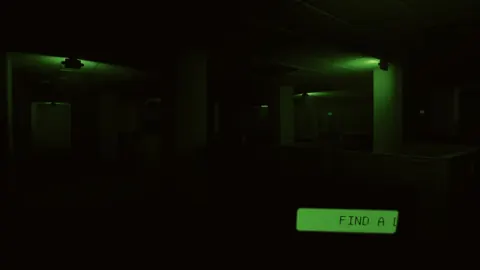
In the animal hospital, read the added beeper message for information about the medical key and upstairs operating room. Give the clearer pills message your attention as well. These changes provide useful guidance within the game itself.
Version 1.02 also increased the animal hospital spinning wheel’s winning chance from 10% to 20%. Keep that change separate from the room feature: it concerns a specific gameplay interaction, while changing surroundings serve the broader horror experience.
If a technical problem persists, describe the location, the action you took, and what happened when contacting MILKY COCO GAMES through its support channels. Those concrete details communicate the problem more clearly than simply saying a room feels wrong.
Exploring Without Losing Andrew’s Story
DROWSE changing rooms work within a story about losing a companion and living with that absence. Andrew’s apartment feels empty, work fills his days, and maintaining his routine has become difficult. Those circumstances give the environments a personal context before the nightmare unfolds.
Keep Oxmo in mind when examining photographs, belongings, and messages. The bond between Andrew and his dog is central to the journey, so the quieter details deserve attention alongside puzzles and unsettling changes.
Play at a pace that lets you read and listen comfortably. DROWSE includes adjustable text size, subtitle options, custom volume controls, and camera comfort features. Use those options to support the exploration: increase text size if notes are difficult to read, adjust audio levels for messages, and review camera comfort settings if movement feels uncomfortable.
Full controller support is also available. Choose the input method you prefer, then give object inspection the same deliberate attention you give movement through a room.
For a focused exploration routine:
- Examine the room before moving past its searchable spaces.
- Read notes and documents when you encounter them.
- Listen to recorded messages all the way through.
- Consider discovered items alongside puzzle clues.
- Follow the clearer in-game messages added in version 1.02.
These habits fit the game’s existing mechanics without requiring you to chase every detail as though it were a hidden solution. They also leave room for the story to land.
DROWSE released on October 8, 2026, for Windows. You can get DROWSE on Steam to explore Andrew’s late-night return to work. Bring patience for the documents, objects, and recordings—the familiar rooms carry more than office equipment.
FAQ
What are DROWSE changing rooms?
DROWSE changing rooms refers to familiar spaces that change as unease builds and Andrew’s memories intrude. This feature connects the game’s exploration and psychological horror to its story of grief.
How do you solve environmental puzzles in DROWSE?
Search drawers, inspect objects, read notes, and listen to recorded messages. Use the clues to work out codes and consider how discovered items can open the way forward.
Which update fixes getting stuck in the apartment?
Version 1.01 fixes an apartment softlock that could prevent progression after the phone call. Make sure your installation includes that update if you encountered this problem.
What helps with navigation in the animal hospital?
Version 1.02 moves a barrier to improve upstairs access and adds a beeper message about the medical key and upstairs operating room. Read that message and the revised pills guidance while exploring the area.
Continue with
 DROWSE Controller Support: A Guide to Playing on PCDROWSE controller support lets you explore its unsettling offices with a gamepad. Learn about PC requirements, comfort features, and interaction updates.
Popular pages
DROWSE Beginner Guide: Puzzle Tips for Your First Run
Use this DROWSE beginner guide to explore the office, solve environmental puzzles, understand patch fixes, and prepare for Andrew's unsettling night ahead.
DROWSE Release Date: Launch, PC Specs, and Updates
DROWSE release date was October 8, 2026. Explore its Windows PC launch, system requirements, early patches, and limited-time rewards before you start.

DROWSE Editions: Steam Release, Features, and Extras
Explore DROWSE editions, Steam launch details, PC requirements, accessibility features, updates, and the limited Rizmo skin before starting Andrew's story.
DROWSE Crossplay: Single-Player and Platform Details
DROWSE crossplay explained: explore its single-player format, Windows PC requirements, controller support, and Steam features before starting the story.
Join the community
Official channels for news, updates and player help: